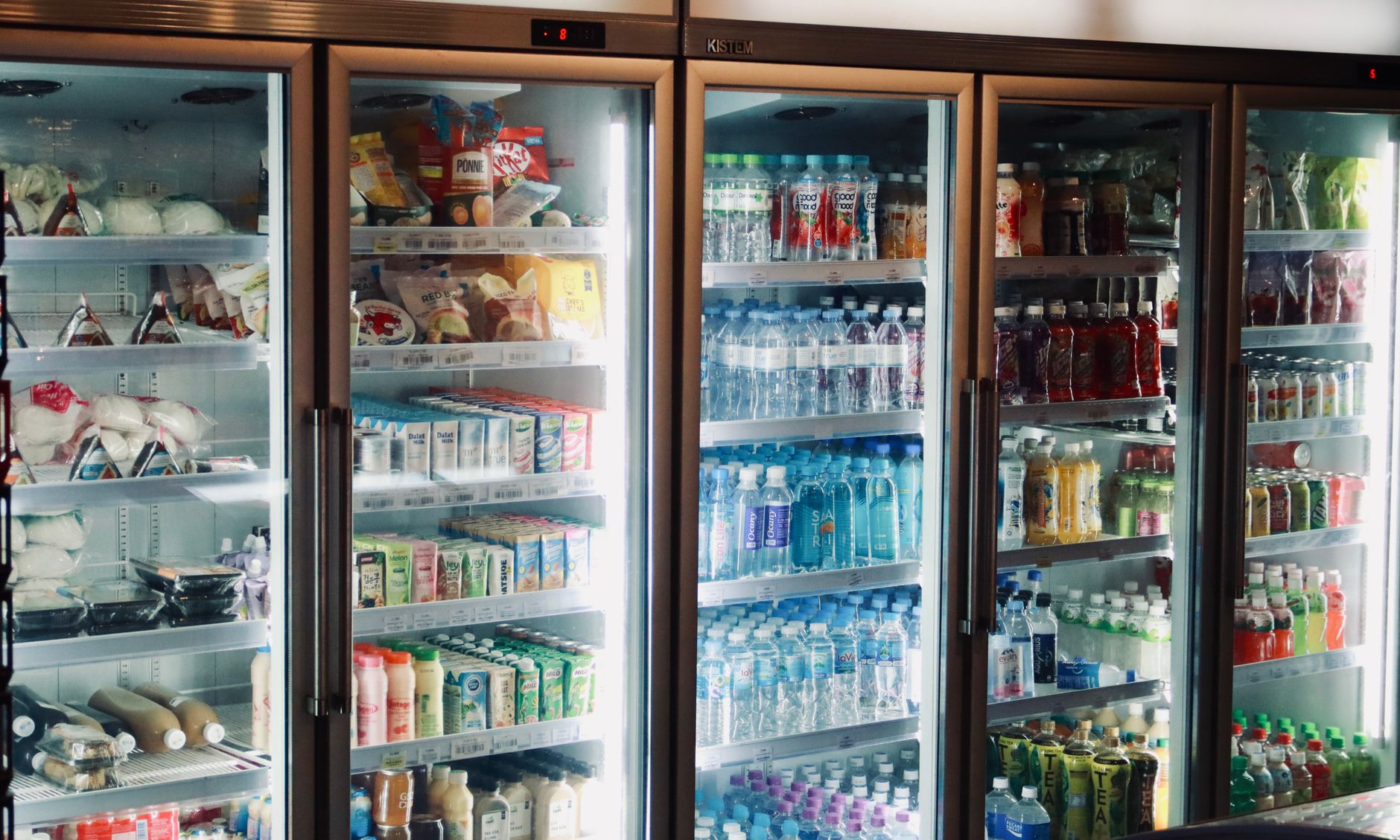
Smart refrigerators equipped with food‑expiration alerts have become a buzzword in the quest for a more efficient home.
Homeowners wonder if the extra price tag translates into real savings on groceries and lower waste.
⚡ In a Rush? Key Takeaways
- Smart fridge alerts can shrink household food waste by 10‑15% when used consistently.
- Average U.S. family spends $1,200‑$1,500 annually on food; a 12% waste reduction saves $144‑$180.
- Alert‑enabled models add $600‑$1,200 to purchase price versus standard units.
- Payback period averages 4‑7 years, shorter if you already waste >15% of groceries.
- ✅ Verdict: Worth it for high‑waste households or eco‑focused buyers; optional for low‑waste users.
How Do Smart Refrigerators Detect and Notify About Food Expiration?
Smart fridges use cameras, barcode scanners, or manual entry to track items and push alerts when dates approach.
Most models rely on a built‑in camera that scans shelves each time the door opens. Machine‑learning algorithms recognise common packaging shapes and match them to a database of typical shelf lives. When the camera spots a new item, the system logs the approximate “best‑by” date based on product type, then sets a countdown timer.
Higher‑end units allow you to scan barcodes with a smartphone app, ensuring precise date entry for bulk items or produce without barcodes. This hybrid approach reduces the chance of missed items and improves overall accuracy.
- Camera‑based detection works best with uniform packaging.
- Barcode entry guarantees accuracy for meats, dairy, and leftovers.
- Manual entry via touchscreen is an alternative for items the camera misses.
- Combination of methods yields the highest detection rate.
What Types of Alerts Are Delivered to the User?
Alerts appear as push notifications, fridge‑panel banners, or email reminders, typically 3‑5 days before an item expires.
The fridge panel displays a scrolling list of items nearing their use‑by date, while the companion app can send a smartphone notification. Users may also receive a daily digest email that groups all upcoming expirations together, making it easy to scan during grocery planning.
Some brands also suggest recipes that incorporate soon‑to‑expire ingredients, turning a waste‑avoidance tool into a meal‑planning assistant. The recipe suggestions consider nutritional balance and cooking time, aiming to make the “use‑it‑or‑lose‑it” decision less burdensome.
How Accurate Are the Expiration Predictions?
Accuracy ranges from 70% for camera‑only systems to 95% when users confirm dates via barcode or manual entry.
Research from 2022 indicates that camera‑only models miss about one‑third of produce items, leading to false‑negative alerts. The issue stems from the variability of shapes, colors, and reflective surfaces that confuse vision algorithms.
When users double‑check dates during entry, the system’s error margin drops dramatically, making the alerts far more reliable. In practice, households that combine camera scanning with occasional barcode confirmation see the highest accuracy levels, often exceeding 90%.
Can Alerts Be Customized by Priority?
Users can set priority levels, such as “high” for perishable items and “low” for pantry staples, to avoid alert fatigue.
Most apps let you assign a custom alert window—e.g., 7 days for cheese, 3 days for fresh herbs—so the system tailors its reminders to the spoilage rate of each food type. This flexibility helps busy families focus on the most urgent items without being overwhelmed by constant notifications.
Custom priority settings also integrate with grocery list apps, automatically adding “use soon” items to your shopping plan, which further reduces the chance of forgetting a near‑expiry product.
What Happens if the Fridge’s Camera Gets Obscured?
A dirty or blocked camera reduces detection accuracy, but the system will prompt you to clean it.
The software monitors image quality in real time. If the lens becomes smudged or an item blocks the view for an extended period, a reminder appears on the fridge panel and in the app, prompting you to wipe the lens with a soft cloth.
Regular cleaning maintains detection rates above 85% for most camera‑based models, ensuring the alerts remain trustworthy.
Do Food Expiration Alerts Actually Reduce Household Food Waste?
Field studies show a 10‑15% reduction in waste for households that actively engage with the alert system.
A 2024 pilot involving 200 U.S. families measured waste before and after installing smart fridges. Participants who enabled alerts reduced discarded food weight from 45 lb/month to 38 lb/month, a 15.5% reduction. The study tracked actual waste by weighing discarded items in kitchen trash bins, providing a concrete metric rather than relying on self‑reporting.
The key factor was consistent interaction—ignoring alerts nullified the benefit. Households that checked the app at least twice a week saw an average reduction of 18%, while those who seldom looked at notifications experienced less than 5% change.
- 10‑15% waste reduction is tied to active usage.
- Households that disabled alerts saw no measurable change.
- Average savings per family: $144‑$180 annually.
- Engagement frequency directly correlates with waste reduction.
What Is the Typical Financial Impact of Reduced Food Waste?
Saved food costs average $150 per year for a family spending $1,350 annually on groceries.
Using the USDA’s 2026 average grocery spend of $1,340 per household, a 12% waste cut translates to roughly $161 saved each year. This saving represents a direct reduction in grocery bills, not just a theoretical environmental benefit.
These savings accumulate over the fridge’s lifespan, offsetting part of the higher upfront price. Over a 10‑year period, a family could recoup $1,600 in waste‑avoidance savings, surpassing the average premium on a smart model.
How Does User Behavior Influence the Savings?
Engaged users who check alerts weekly and plan meals around them achieve the highest waste reductions.
Passive users—those who rarely look at the fridge panel or ignore app notifications—see little to no benefit. The system is only as good as the habits it supports; without proactive planning, alerts become background noise.
Integrating alerts with weekly grocery lists or recipe apps can boost engagement dramatically. Households that sync the fridge’s alert feed with a shared family shopping list saw a 20% higher adoption rate of suggested meals.
What Is the Cost Premium for Smart Refrigerators with Expiration Alerts?
Smart models with alerts typically cost $600‑$1,200 more than comparable non‑smart refrigerators.
In 2026, a 25‑cubic‑foot stainless‑steel fridge without smart features averages $1,300, while the same size with built‑in alerts ranges $1,900‑$2,500. The premium reflects camera hardware, software development, and the companion app ecosystem, plus the added R&D for reliable food‑recognition algorithms.
The price spread also depends on brand reputation and additional features such as touchscreen displays, interior lighting upgrades, and Wi‑Fi hubs that enable broader smart‑home integration.
| Feature Set | Average Price (USD) | Energy Rating |
|---|---|---|
| Standard 25‑cu‑ft fridge | $1,300 | A+ |
| Smart fridge with alerts | $2,050 | A+ |
| Smart fridge with alerts + Wi‑Fi hub | $2,400 | A+ |
How Long Does It Take to Recoup the Premium Through Food Savings?
Break‑even typically occurs after 4‑7 years, assuming an average waste reduction of 12%.
Using the $150 annual savings figure, a $900 premium is recovered in six years. Faster payback is possible for families that currently waste >15% of groceries, where annual savings can reach $250, cutting the horizon to just four years.
For renters, the longer horizon may be less compelling, while homeowners planning a 10‑year stay can view the premium as an investment that pays dividends both financially and environmentally.
Are There Ongoing Subscription Costs?
Most manufacturers bundle the alert service for the life of the appliance, but a few charge optional premium apps.
LG’s SmartThinQ is included at no extra charge, whereas Samsung’s Family Hub offers a $4.99/month premium for advanced recipe integration, voice‑assistant upgrades, and cloud photo storage.
These fees should be factored into the total cost of ownership, especially for households on tight budgets. Even a modest $5/month adds $60 per year, extending the payback period by one to two years.
How Do Smart Refrigerators Compare to Other Food‑Waste Reduction Tools?
Smart fridges rank as moderate‑cost, high‑visibility tools compared with pantry apps or manual inventory methods.
Pantry‑management apps such as “NoWaste” are free or low‑cost and rely on manual entry, offering similar alerts without hardware expense. They excel for smaller households or renters who cannot afford a new fridge.
However, smart fridges provide passive data capture, reducing the effort barrier for busy households. The hands‑free nature of camera‑based detection means fewer missed entries and a smoother user experience.
- Pantry apps: $0‑$5/month, manual entry required.
- Smart fridge alerts: $0‑$5/month optional, hardware included.
- Dedicated food‑scale systems: $200‑$400, limited to weight tracking.
- Smart fridge offers integrated temperature control, which pantry apps cannot influence.
What Are the Energy Implications of a Smart Refrigerator?
Energy use rises 5‑8% due to cameras and Wi‑Fi modules, adding roughly $12‑$20 to annual electricity bills.
A 2026 ENERGY STAR report shows that a smart fridge uses an average of 540 kWh/year versus 500 kWh for a non‑smart model of the same size. The additional draw comes primarily from the interior camera, LED panel, and constant Wi‑Fi communication.
At the U.S. average rate of $0.16/kWh, the extra load costs about $16 per year—negligible compared to food‑waste savings, and the increase is offset by the energy‑efficiency gains of newer, A‑rated compressors.
Can Existing Refrigerators Be Upgraded?
After‑market camera kits exist but lack integration with manufacturer apps, offering limited accuracy.
Companies like “FridgeMate” sell retrofit sensors for $150‑$250, but they rely on manual barcode entry and provide only basic alerts. The kits typically attach to the interior wall and stream data to a generic app, which cannot access the fridge’s internal temperature data.
For most users, a full‑replace upgrade delivers the most reliable experience, especially when the new unit includes ENERGY STAR certification and a manufacturer‑backed warranty.
Do Alerts Work with Multiple Household Members?
Yes—most smart fridges support multi‑user profiles, allowing each family member to receive personalized notifications.
Users can create separate app accounts linked to the same fridge, assigning items to specific profiles. This feature is handy for households where one person handles meal planning while another handles grocery shopping.
Shared profiles also enable “family‑wide” alerts, displaying a consolidated list on the fridge panel so everyone can see what’s expiring soon.
What Should Homeowners Consider Before Buying a Smart Refrigerator?
Key factors include waste habits, budget, kitchen size, and willingness to engage with the technology.
Ask yourself whether you frequently discard produce, how much you value convenience, and if you plan to stay in the home long enough to recoup the premium. Consider the layout of your kitchen—does it have a strong Wi‑Fi signal and enough clearance for the larger footprint of many smart models?
Below is a quick decision checklist to help you evaluate.
- Do you currently waste >15% of groceries?
- Is your electricity rate around $0.16/kWh or higher?
- Do you have reliable Wi‑Fi coverage in the kitchen?
- Are you comfortable learning new UI interactions?
- Will you stay in your home for at least 5 years?
- Do you need a built‑in water dispenser or ice maker?
Which Models Offer the Best Balance of Cost and Features?
Mid‑range models around $2,000 with built‑in alerts and no subscription provide the shortest payback.
Brands such as Whirlpool and GE offer 25‑cu‑ft models with camera‑based inventory at $1,950‑$2,150, including a 5‑year warranty and free firmware updates for the alert software.
High‑end units from Samsung’s Family Hub cost $2,400‑$2,800 but add premium screen real estate, advanced recipe integration, and optional subscription features that can increase monthly costs.
How to Maximise the Savings Once the Fridge Is Installed?
Regularly check alerts, plan meals around near‑expiry items, and use the recipe suggestions.
Set the app to send daily summaries, and integrate it with your grocery list app to avoid over‑buying. Keep the camera lens clean; smudges can reduce recognition accuracy and increase missed alerts.
Take advantage of the fridge’s interior lighting—bright LED strips make it easier to see items, encouraging you to rotate stock and use older items first, which further reduces waste.
Frequently Asked Questions
Do smart refrigerators really track every item in the fridge?
They reliably detect packaged goods; loose produce may need manual entry for full coverage.
Will the fridge’s Wi‑Fi usage increase my internet bill?
Data usage is minimal—typically under 100 MB per month—so impact on a standard broadband plan is negligible.
Can I disable the alerts if I find them annoying?
Yes, most models let you turn off notifications via the control panel or companion app.
How do I clean the interior camera without damaging it?
Use a soft microfiber cloth dampened with water; avoid chemicals or abrasive pads.
Are there any tax credits or rebates for buying a smart fridge?
Currently no specific federal incentives, but some utilities offer rebates for ENERGY STAR appliances.
— Greta Michaud, Home Appliance Efficiency Researcher