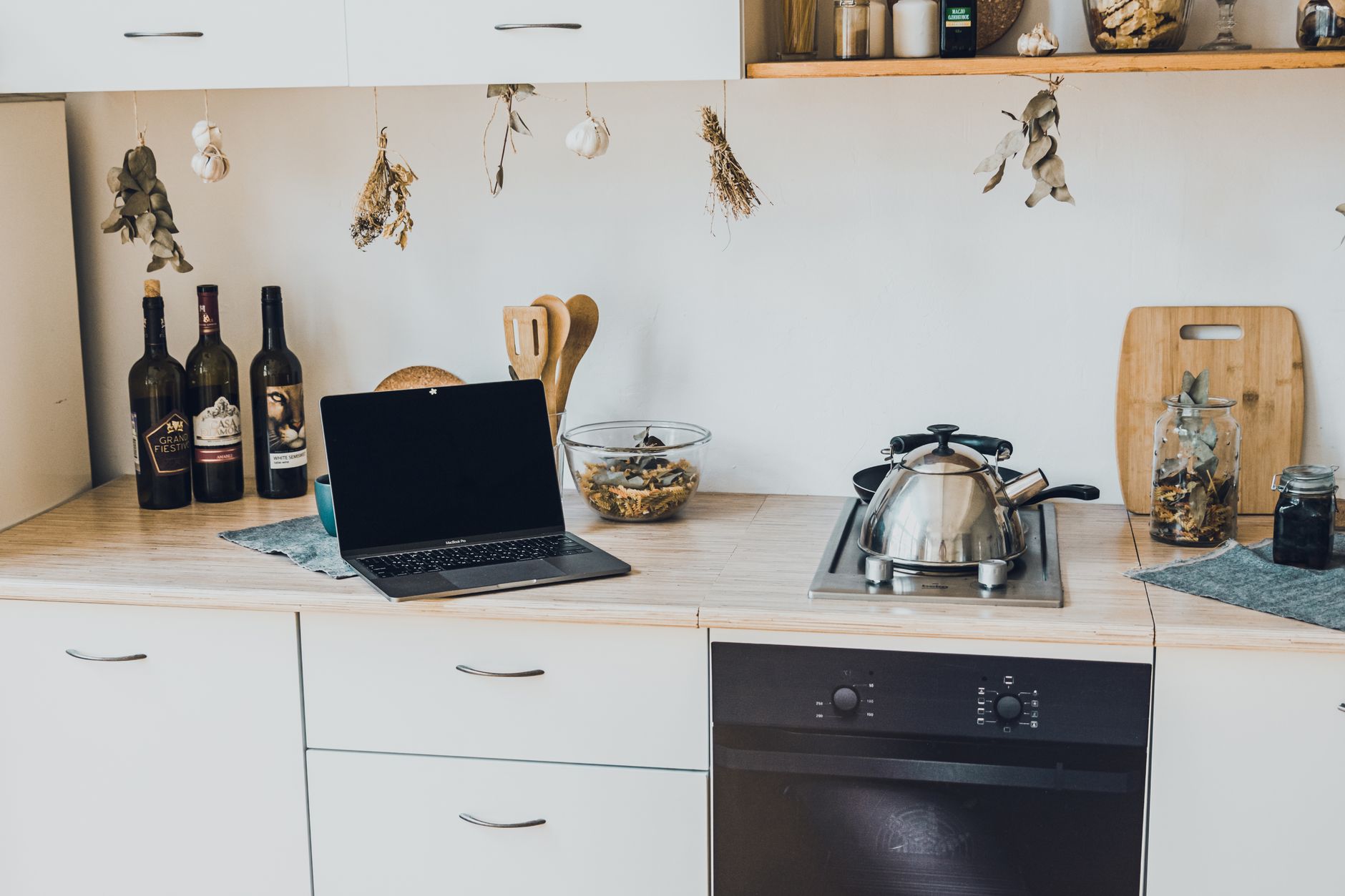
Smart kitchen features promise convenience, but most homeowners wonder where to begin and how much they’ll actually spend.
⚡ In a Rush? Key Takeaways
- Basic smart plugs can reduce kitchen standby power by up to 30 % – saving £15–£25 annually.
- Wi‑Fi‑enabled ovens use 12–18 kWh per month on average, about 4 % of a typical UK household bill.
- Installing a smart faucet sensor cuts water use by 15 % – roughly 30 L per week.
- Integrating a single hub for lighting, appliances and voice control costs £120–£180 upfront.
- ✅ Verdict: Start with smart plugs and a hub; they give the biggest savings for the lowest investment.
How Do I Plan a Smart Kitchen Installation Without Overspending?
Map your kitchen’s power points, decide which tasks you want automated, and set a realistic budget before buying any device.
Begin by listing every appliance you use daily – fridge, oven, kettle, coffee maker, lights and any small gadgets. Note which already have built‑in Wi‑Fi; these can be integrated without extra hardware.
Next, sketch a simple wiring diagram highlighting existing sockets and the spot where a central hub could sit, ideally near your router for a strong signal.
Finally, allocate a budget split: 40 % for core devices (hub, smart plug set), 30 % for premium appliances, and 30 % for auxiliary items such as sensors and cabling.
- Identify existing smart‑ready appliances.
- Mark power points and potential hub location.
- Set a three‑tier budget (core, premium, auxiliary).
What Core Devices Should I Purchase First?
Start with a reliable hub, a set of Wi‑Fi smart plugs, and a voice‑assistant speaker – they cover 80 % of basic automation.
The hub acts as the brain, linking lights, plugs and sensors. Popular choices cost £80–£120 and support Zigbee, Z‑Wave and Wi‑Fi, ensuring future‑proofing.
Smart plugs let you schedule coffee makers, kettles or slow cookers, cutting idle power use dramatically. A four‑pack of energy‑monitoring plugs runs about £45.
Pair these with a voice‑assistant speaker (£30–£70) to issue hands‑free commands, especially useful when your hands are full of ingredients.
| Device | Average Cost (£) | Key Benefit |
|---|---|---|
| Multi‑protocol hub | 80‑120 | Unified control of lights, plugs, sensors |
| Smart plug pack (4) | 45 | Schedule, monitor standby power |
| Voice‑assistant speaker | 30‑70 | Hands‑free commands |
What Kitchen Appliances Offer the Best ROI When Upgraded to Smart?
Smart ovens, refrigerators and dishwashers give the highest energy‑saving return, often recouping costs within 3–5 years.
A Wi‑Fi‑enabled oven lets you pre‑heat remotely, reducing wasted heating time by up to 10 minutes per use – roughly £8–£12 saved per year.
Smart refrigerators with adaptive defrost cycles cut energy by 15 % compared with standard models, saving about £30 annually.
Dishwashers that offer eco‑cycle sensors can lower water use by 25 % and electricity by 20 %, translating to £15‑£20 yearly savings.
- Smart oven – £350‑£650, payback 4‑5 years.
- Smart fridge – £900‑£1,400, payback 5‑6 years.
- Smart dishwasher – £500‑£800, payback 3‑4 years.
How Important Is Compatibility With Existing Voice Assistants?
Choosing devices that work with your preferred voice assistant avoids extra hubs and keeps the ecosystem simple.
Most major brands certify compatibility with Amazon Alexa, Google Assistant and Apple HomeKit. If you already own a Echo or Nest speaker, prioritize devices that list that platform first.
Check the product’s “Works with” badge before buying; a mismatch can mean you need an additional bridge, which adds £20‑£40 and extra configuration steps.
- Alexa‑compatible devices – often cheaper, broader range.
- Google‑compatible devices – tighter integration with Android phones.
- HomeKit devices – best for iOS users but pricier.
How Much Will Each Smart Kitchen Feature Actually Cost Me?
Initial outlay ranges from £30 for a single plug to £1,500 for a fully integrated smart fridge, plus modest monthly data fees.
Below is a realistic 2026 price guide for the most common smart kitchen components, based on current UK market listings.
What Are the Ongoing Subscription or Data Costs?
Most smart kitchen devices need no subscription; only premium features like remote monitoring may charge £3‑£6 per month.
Smart hubs typically include a free cloud tier covering basic automation. If you opt for advanced analytics (energy‑use breakdowns, predictive maintenance), expect a £4‑£5 monthly fee.
Voice‑assistant platforms are free, but linking to music streaming services may add £9 per month.
- Basic hub cloud – free.
- Advanced analytics – £4 / mo.
- Music streaming – £9 / mo.
How Do Installation Costs Vary Between DIY and Professional?
DIY installation can save £100‑£250, but professional wiring for hard‑wired devices adds £150‑£300 per appliance.
Plug‑and‑play smart plugs, lights and sensors are designed for DIY mounting. If you are comfortable with a screwdriver, you can install most of them yourself.
Hard‑wired smart switches or a built‑in oven control module often require an electrician, especially where British Standard wiring is involved. Quote a typical 2026 rate of £60‑£80 per hour.
For a typical 2‑person household upgrading a faucet sensor, two smart plugs, and a hub, DIY costs stay under £200, whereas hiring an electrician for a smart oven integration could push the total to £450.
| Task | DIY Cost (£) | Professional Cost (£) |
|---|---|---|
| Smart plug installation | 0‑20 | 30‑50 |
| Smart light switch | 15‑30 | 80‑120 |
| Smart oven retrofit | 50‑100 | 200‑300 |
Can I Bundle Devices for a Better Deal?
Many retailers offer starter kits that include a hub, four smart plugs and a sensor at a 10‑15 % discount.
Look for bundles that match the protocol you need (Zigbee or Z‑Wave). A typical kit costs around £180, saving roughly £40 compared with buying each piece separately.
Bundling also simplifies setup because the devices are pre‑paired to the hub, reducing the time you spend in the app.
- Starter kit (hub + 4 plugs + sensor) – £180.
- Separate purchase total – £225.
- Savings – £45 (20 %).
How Can I Ensure My Smart Kitchen Remains Energy Efficient?
Combine scheduling, sensor‑based automation, and regular energy‑monitor reviews to keep usage below average UK kitchen consumption.
Use the hub’s scheduling feature to turn off standby power for appliances that don’t need to run overnight. For example, set the coffee maker to power‑off at 10 pm.
Install moisture sensors on your dishwasher and fridge door sensors to alert you when doors are left open – a common source of wasted energy.
What Simple Behaviours Amplify the Savings?
Turn off lights when not cooking, use eco‑mode cycles, and batch‑run the oven – each habit saves roughly £5‑£10 per month.
Batch cooking reduces pre‑heat cycles; the oven only needs to reach temperature once for several meals.
Eco‑mode on a dishwasher cuts both water and electricity use by 30‑40 % without affecting cleaning quality.
- Batch cooking – saves £8 / mo.
- Eco‑mode dishwasher – saves £5 / mo.
- Lights off – saves £2 / mo.
How Do I Track Real‑World Energy Usage?
Use a smart plug with energy‑monitoring to see kWh per cycle; compare against your utility bill to verify savings.
The TP‑Link Kasa Smart Plug (HS110) provides per‑device kWh data and costs about £25. Pair it with the hub for unified dashboards.
Review the weekly reports; if a device shows higher consumption than the manufacturer’s rating, adjust usage patterns or consider replacement.
- Smart plug monitor – £25.
- Weekly usage review – 10 min.
- Adjust schedule if consumption exceeds rating.
How Often Should I Update Firmware and Settings?
Check for firmware updates at least once a month; new versions often improve power‑draw efficiency.
Most hub apps send automatic notifications when a device needs an update. Apply them promptly to avoid security gaps and to benefit from any energy‑saving tweaks.
After an update, re‑run your energy‑monitor test for a week. Small changes—like a revised standby mode—can shave a few watts that add up to £2‑£3 annually per device.
- Monthly firmware check – 5 min.
- Re‑test energy use – 1 week.
- Typical savings – £2‑£3 per device per year.
Frequently Asked Questions
How Much Does a Smart Kitchen Hub Actually Cost?
A reputable multi‑protocol hub ranges from £80 to £120, providing future‑proof connectivity for most devices.
Can I Install Smart Features Without a Dedicated Wi‑Fi Network?
Yes, many hubs support Zigbee or Z‑Wave, which operate on a low‑power mesh network independent of Wi‑Fi.
Do Smart Kitchen Devices Increase My Home Insurance?
Generally no; insurers may view them as a risk‑mitigation tool, but always confirm with your provider.
What Is the Typical Payback Period for a Smart Oven?
A smart oven generally recoups its cost in 4‑5 years through reduced energy waste and convenience value.
Is It Worth Adding a Smart Faucet Sensor?
A sensor saves about 15 % water, roughly 30 L per week, translating to £10‑£12 saved annually; the device costs £45‑£60.
Conclusion – What Is the Smart Way to Start?
Begin with a hub, smart plugs and a voice assistant; these deliver the biggest savings for the smallest upfront spend.
By mapping your kitchen’s power layout, allocating a clear budget, and focusing on high‑ROI devices, you can create a connected kitchen that pays for itself within a few years. Remember to monitor real‑time usage, adjust schedules, and keep an eye on subscription fees.
When you’re ready to purchase, check out the Kitchen Systems guide for detailed product recommendations, and use the Monthly Home Cost Tracker to log your savings over time.