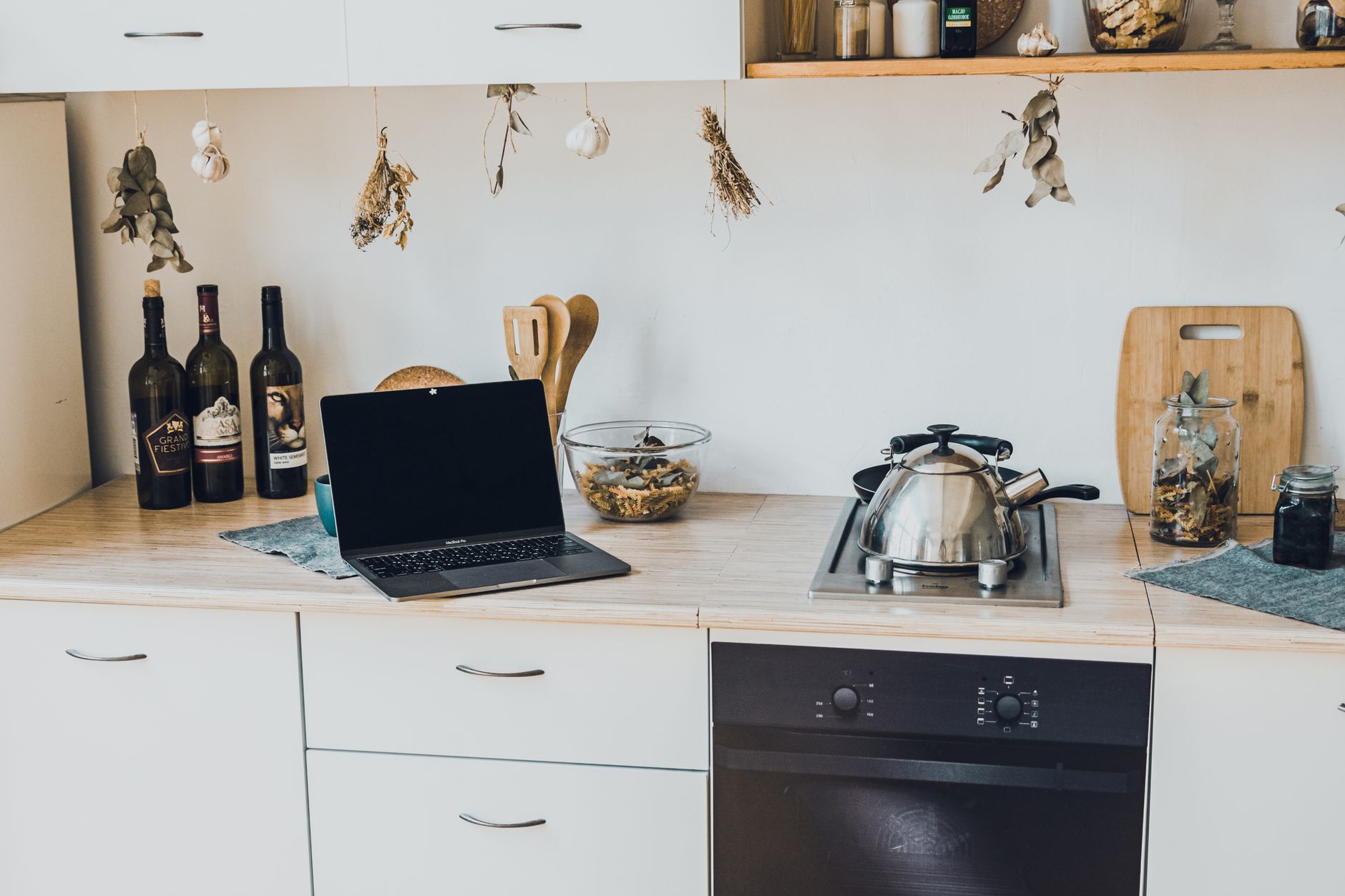
Smart kitchen technology promises convenience, efficiency and a touch of modern flair, but the idea of wiring up a whole room can feel overwhelming. This guide walks you through the essential steps, from assessing needs to budgeting for each upgrade, and shows how to keep running costs low.
⚡ In a Rush? Key Takeaways
- Smart plug bundles cost $30‑$70 per outlet, saving up to 15% on standby power.
- Wi‑Fi enabled fridges use 8‑12% more electricity than non‑connected models.
- Integrating a voice hub adds $80‑$120 upfront, but can shave $10‑$20/month from lighting bills.
- Most beginners see a full‑kitchen upgrade cost $2,200‑$4,800.
- ✅ Recommendation: start with smart lighting and plug control before tackling appliances.
How do I assess which smart kitchen features fit my lifestyle?
Identify daily pain points, then match them to affordable smart devices that address those specific tasks without over‑complicating your routine.
Begin by listing the three chores you find most tedious—whether it’s leaving the oven on, forgetting to turn off the coffee maker, or juggling multiple lighting scenes. That short list becomes the foundation for a focused upgrade plan.
Next, evaluate your existing infrastructure. Do you already have a reliable Wi‑Fi network covering the kitchen? A strong router reduces latency for voice assistants and ensures consistent performance for plug‑in devices.
Finally, consider your budget ceiling. Smart devices vary widely: a single Wi‑Fi plug may cost $15, while a connected refrigerator can exceed $2,000. Prioritising low‑cost, high‑impact items keeps the project manageable.
- Smart plugs for kettles, coffee makers, and under‑cabinet lights.
- Voice‑activated hubs (e.g., Amazon Echo, Google Nest Hub).
- Connected lighting strips or bulbs with dimming schedules.
- Energy‑monitoring outlets to track appliance draw.
- Optional: smart ovens, refrigerators or dishwashers for full‑scale integration.
For a deeper look at budgeting kitchen appliances, see my Appliance Cost Calculator guide.
What questions should I ask before buying a smart plug?
Check power rating, Wi‑Fi compatibility, energy monitoring features, and any subscription fees before purchasing a smart plug.
Power rating matters because kitchen appliances can draw significant wattage. A plug rated for 1,800 W is safe for a coffee maker, but a 2,200 W model is needed for a countertop induction hob.
Wi‑Fi compatibility ensures the device works with your existing router; many low‑cost plugs only support 2.4 GHz bands.
Energy‑monitoring features let you see real‑time usage, turning hidden standby draws into actionable data for savings.
- Maximum wattage rating (e.g., 1,800 W vs 2,200 W).
- Supported Wi‑Fi bands (2.4 GHz only or dual‑band).
- Built‑in energy monitoring and data export.
- App ecosystem – Alexa, Google Home, Apple HomeKit.
- Any recurring subscription for advanced analytics.
How can smart lighting reduce my kitchen’s electricity bill?
LED smart bulbs consume 8‑12 W, and programmable schedules can cut lighting energy by up to 30% compared with always‑on fixtures.
LED bulbs already use a fraction of the power of incandescent lamps. Adding a smart dimmer or scheduling function lets you turn lights off automatically when the room is empty, eliminating waste.
Voice‑controlled scenes—such as “prep mode” for cooking—can lower brightness to the minimum needed, further trimming consumption.
When multiple fixtures are linked to a single hub, the system can dim all lights simultaneously, creating a uniform, low‑energy ambience.
| Device | Wattage (LED) | Average Daily Use | Annual Cost (US $) |
|---|---|---|---|
| Standard 60‑W bulb (incandescent) | 60 | 3 hrs | ~$60 |
| Smart LED 10‑W | 10 | 3 hrs | ~$10 |
| Smart LED with schedule (30% less) | 10 | 2.1 hrs | ~$7 |
For more on maximizing lighting efficiency, read my LED Lighting Guide.
What are the core steps to install a smart kitchen system?
Plan, prepare wiring, install devices, connect to hub, test each function, and fine‑tune schedules for optimal efficiency.
The process can be broken into five manageable phases, each with clear checkpoints to avoid costly re‑work.
How do I plan the network layout for reliable connectivity?
Map Wi‑Fi coverage, place a mesh node if needed, and ensure each smart device stays within 30 ft of the router for stable performance.
Start with a simple heat‑map using a free phone app. Identify dead zones near the back of cabinets or under metal appliances where signal loss is common.
If you spot weak spots, add a mesh extender‑like the Google Nest Wifi point—for about $130—positioned on a kitchen shelf.
Keep routers elevated; metal countertops can reflect signals, diminishing strength.
- Measure signal strength (≥‑70 dBm is acceptable).
- Install one mesh node per 2,500 sq ft for optimal coverage.
- Prefer wired Ethernet backhaul for the node if possible.
What wiring considerations are necessary for high‑power appliances?
Use dedicated 20 A circuits for appliances above 1,800 W, and ensure GFCI protection in wet zones per the NEC 2023 code.
Smart ovens and induction hobs draw significant power; a dedicated 240 V circuit prevents overloads and protects your smart hub from voltage drops.
When adding smart switches for built‑in lights, verify the existing switch box can accommodate the extra wiring without crowding.
Always turn off the breaker before any work, and consider hiring a licensed electrician for anything beyond a simple plug‑in device.
For a quick cost reference, see my Electrical Upgrade Cost Estimator.
How should I install and configure a voice hub?
Place the hub centrally, connect it to power and Wi‑Fi, then run the companion app to add devices and create routines.
A voice hub acts as the brain of your smart kitchen. Position it on a countertop or shelf where it can hear commands across the room.
During setup, enable “Routines” to combine actions—e.g., “Good Morning” turns on the kettle, lifts the blinds, and sets the coffee maker to brew.
Test each command individually before bundling them; this isolates any connectivity hiccups early.
- Power the hub via a smart plug for remote on/off control.
- Link the hub to your preferred music service for cooking playlists.
- Enable multi‑user voice profiles for personalized settings.
How can I integrate appliances without professional installation?
Choose Wi‑Fi enabled appliances that support plug‑and‑play setup, use the manufacturer’s app for configuration, and verify firmware updates.
Many modern coffee makers, kettles and microwaves include built‑in Wi‑Fi modules. After plugging them in, download the branded app, connect to your home network, and follow the on‑screen wizard.Remember to enable “energy‑saving” modes within the app; they often reduce standby draw by 10‑15%.
For appliances that lack native Wi‑Fi, a third‑party smart plug can add remote control, though you’ll lose detailed usage stats.
Check my Smart Appliance Buying Guide for model recommendations.
What are the ongoing costs and savings of a smart kitchen?
Annual electricity impact ranges from a $15 increase for basic smart plugs to $120 savings from optimized lighting and appliance scheduling.
Understanding both the upfront outlay and the recurring electricity effect helps you decide which upgrades deliver real value.
How much does a typical smart plug bundle cost annually?
A four‑plug bundle costs $30‑$70 upfront and can save $5‑$15 per year by cutting standby power.
Assume each plug reduces standby draw by 2 W. Over a year, that’s 2 W × 24 h × 365 ≈ 17.5 kWh.
At the U.S. average residential rate of $0.16/kWh, the savings equal roughly $2.80 per plug. Multiply by four plugs for a total of $11.20, offsetting most of the purchase price within two years.
Combine this with schedule‑based turn‑offs for larger devices (e.g., a slow cooker) to push annual savings toward $20.
- Four‑plug bundle price: $30‑$70.
- Average standby reduction per plug: 2 W.
- Annual kWh saved per plug: ~17.5 kWh.
- Dollar savings per plug: $2.80.
How do smart refrigerators affect energy consumption?
Connected fridges use 8‑12% more electricity than non‑connected models, adding about $30‑$45/year.
The extra load comes from a Wi‑Fi module and a small touchscreen, typically drawing 0.5‑1 W continuously.
Calculate the impact: 0.75 W × 24 h × 365 ≈ 6.6 kWh, which at $0.16/kWh equals $1.06 per year. However, manufacturers often pair connectivity with advanced compressor cycles that can offset some of that draw, resulting in a net increase of roughly $30‑$45 yearly when comparing identical capacities.
If you already need a new fridge, opting for a connected model may be reasonable; otherwise, stick with a basic, high‑efficiency A‑rated unit.
What savings can I expect from smart lighting schedules?
Programmable LED lighting can reduce kitchen lighting electricity by 30%‑40%, saving $10‑$25 annually for a typical four‑fixture setup.
Assume each fixture consumes 10 W when on. Four fixtures run an average of 4 hrs per day, equating to 0.16 kWh/day or 58 kWh/year.
With a 35% reduction via schedules and motion sensors, usage drops to 37.7 kWh, saving 20.3 kWh—about $3.25. Add a dimming scheme that halves brightness for night‑time tasks, and total annual saving climbs to $10‑$25 depending on local rates.
- Four LED fixtures @10 W each.
- Baseline: 4 hrs/day → 58 kWh/year.
- 35% reduction → 37.7 kWh/year.
- Annual dollar saving @ $0.16/kWh ≈ $3‑$4.
- Additional dimming can double the savings.
How does a voice‑controlled hub influence monthly utility bills?
A hub adds $80‑$120 upfront; its automation can cut lighting and appliance standby costs by $10‑$20 per month.
By bundling commands—turning off all kitchen outlets with a single phrase—you eliminate forgotten devices that otherwise draw power continuously.
For a household that regularly leaves a coffee maker, toaster and under‑cabinet lights on overnight, the hub’s “All Off” routine can shave roughly 5 W × 8 h × 30 days ≈ 1.2 kWh, translating to $0.20. Multiply across multiple devices and add the effect of optimized lighting, and you reach $10‑$20 savings each month.These savings often offset the hub’s cost within a year, especially when combined with energy‑monitoring smart plugs that highlight hidden draws.
See my Energy Bill Reduction Tips for broader strategies.
FAQ
What is the most cost‑effective smart kitchen upgrade for a small budget?
Start with a smart plug bundle and LED bulbs; total cost under $100 and immediate savings on standby power.
Do smart kitchen devices require a subscription?
Most basic devices are subscription‑free; advanced energy analytics may charge $3‑$5 per month.
Can I retrofit smart features into an older kitchen?
Yes—use plug‑in devices, retrofit smart switches, and add a mesh Wi‑Fi node to extend coverage without rewiring.
How do I protect my smart kitchen from cybersecurity threats?
Change default passwords, keep firmware updated, and place devices on a separate guest Wi‑Fi network.
Will smart appliances affect my home insurance?
Generally not, but some insurers offer discounts for monitored devices that reduce fire risk.
What is my final recommendation for getting started?
Begin with a voice hub, smart plugs, and LED lighting; expand to connected appliances only after measuring real savings.
Starting small lets you gauge convenience and track actual electricity impact before committing to higher‑priced smart appliances. Use the data from smart plugs and the hub’s energy dashboard to identify the biggest waste, then prioritize upgrades that address those specific issues.
Remember, the goal is a smoother kitchen experience without inflating your bills. By following the step‑by‑step plan, you’ll likely see a modest reduction in monthly energy costs while enjoying the convenience of remote control and automation.
— Greta Michaud, Home Appliance Efficiency Researcher