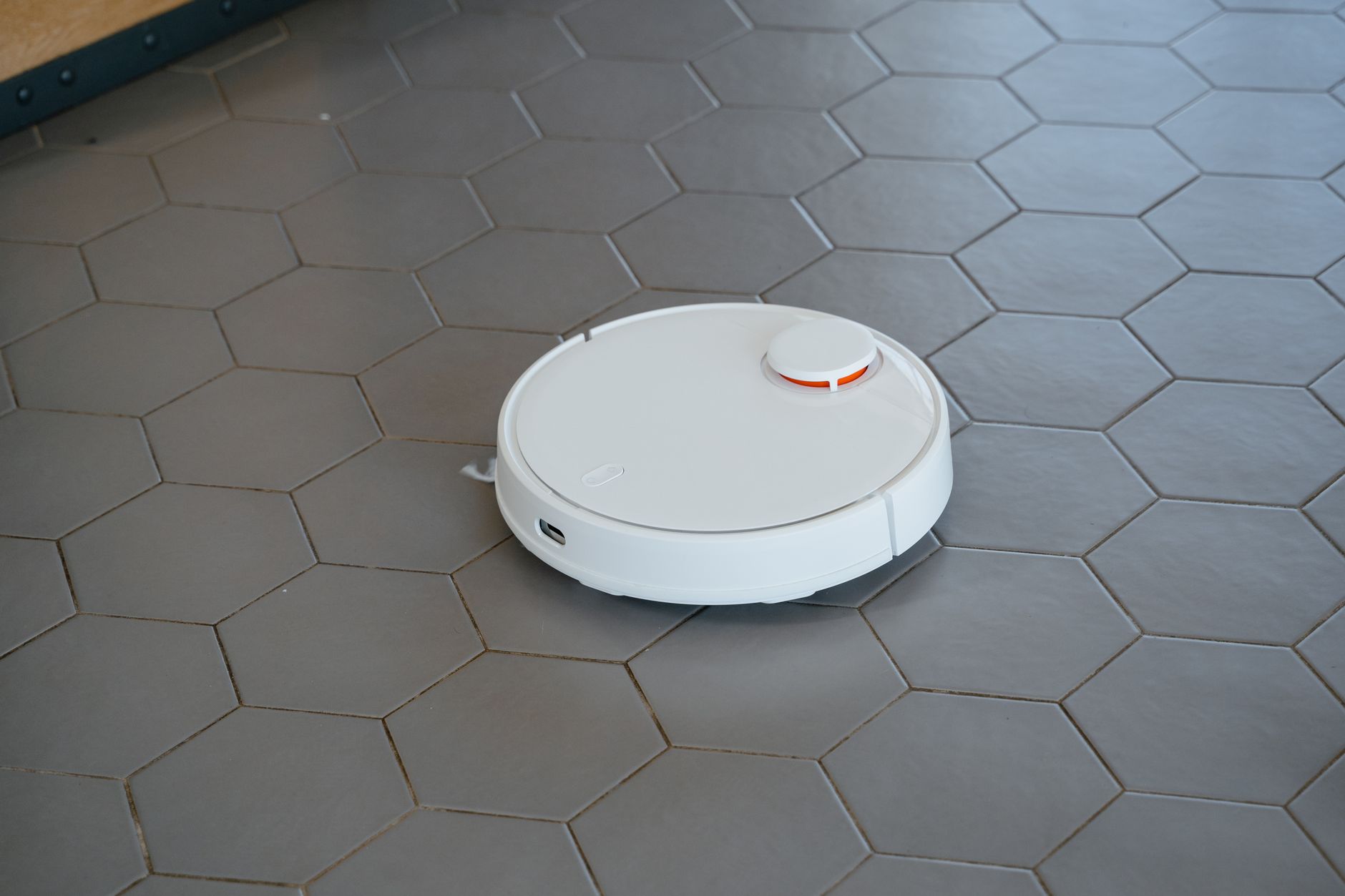
The best robot vacuums in 2026 are those that combine reliable navigation with consistent debris pickup, effectively reducing your manual cleaning time by at least three hours every week. While high-end models offer advanced features like automatic base stations, the core value remains in how well a unit handles transitions between hard floors and carpets without becoming stuck.
⚡ In a Rush? Key Takeaways
- Mid-range robot vacuums now deliver 90% of the performance found in flagship models.
- Self-emptying bases can save you 15-20 minutes of daily maintenance tasks.
- Most efficient units consume less than 30 watts of power during standard operation.
- ✅ Best value: Choose models with LiDAR navigation to avoid frequent physical collisions.
Why Should You Consider a Robot Vacuum for Your Home?
Robot vacuums offer significant time savings by maintaining clean floors daily, typically handling 80% of routine dust and debris tasks.
How much time can a robot vacuum save a household?
An average household spends four hours per month vacuuming, but a robot model reduces this effort to just 15 minutes of bin maintenance.
Integrating an autonomous vacuum into your home organisation routine changes the cadence of your chores. Instead of a deep weekly clean, your floors remain in a state of constant maintenance.
The cumulative time saved over a year is substantial. By automating the daily removal of dust and hair, you protect your carpets from premature wear caused by embedded grit, which acts like sandpaper on rug fibres.
Are robot vacuums actually effective on carpeted floors?
Modern high-torque robot vacuums effectively clean carpets with at least 2,500 Pa of suction, though deep-pile rugs remain a challenge.
Performance on carpet depends heavily on the machine’s ability to adjust its brush roll. Models that automatically boost suction when detecting carpet fibres perform significantly better.
- Look for rubber-fin brushes to prevent hair tangles.
- Check for carpet-boost settings to ensure deep cleaning.
- Ensure the unit has enough ground clearance for your rug thickness.
Which Features Are Truly Essential in 2026?
Essential features include precision LiDAR navigation, automatic surface detection, and a high-efficiency particulate air filtration system.
Does LiDAR navigation outperform traditional camera sensors?
LiDAR laser navigation is superior because it maps rooms accurately in total darkness and identifies obstacles with millimetre precision.
Cameras can struggle with lighting changes, whereas LiDAR creates a consistent digital map of your home. This prevents the unit from repeatedly bumping into furniture or getting trapped under dining chairs.
Reliable navigation is the foundation of energy efficiency. A robot that knows its exact path finishes a cycle 20% faster than one that cleans randomly, preserving battery life for longer sessions.
Is a self-emptying base station worth the extra cost?
Self-emptying bases add $150 to $200 in cost but reduce the frequency of manual bin emptying from daily to once every four to six weeks.
For households with pets, this feature is transformative. It allows the vacuum to continue cleaning even when the internal onboard bin would have reached capacity within the first ten minutes.
| Feature | Manual Emptying | Self-Emptying |
|---|---|---|
| Maintenance | Daily | Monthly |
| Cost | Baseline | +$200 avg |
| Convenience | Low | High |
How important are noise levels and smart home integration?
Quiet operation (under 60 dB) and compatibility with voice assistants or smart routines enhance daily usability without disturbing household activities.
Many 2026 models advertise operating noise between 55‑65 dB, comparable to a normal conversation, allowing the vacuum to run while you work or sleep. Look for adjustable suction modes that lower power (and noise) on hard floors while boosting it on carpets.
Integration with platforms like Alexa, Google Assistant, or Apple HomeKit lets you start, stop, or schedule cleaning via voice commands or automations. Some units also support IFTTT triggers, enabling the vacuum to begin when you leave home or when air quality sensors detect elevated dust.
| Feature | Quiet Models (≤60 dB) | Average Models (61‑70 dB) |
|---|---|---|
| Typical Suction Power | 1,800‑2,200 Pa | 2,200‑2,800 Pa |
| Voice Assistant Support | Alexa, Google Assistant, Apple HomeKit | Alexa, Google Assistant (limited) |
| App‑Based Scheduling | Yes, with custom routines | Yes, basic scheduling |
| Price Range (USD) | $350‑$600 | $250‑$400 |
How Should You Maintain Your Robot Vacuum for Longevity?
Regular maintenance involving filter cleaning and brush roll inspections extends the lifespan of your unit by at least three years.
What is the proper schedule for filter and brush cleaning?
Clean filters every two weeks and inspect the brush roll for hair accumulation weekly to maintain peak suction power and airflow efficiency.
Clogged filters force the motor to work harder, which consumes more electricity and risks overheating. A quick tap of the filter or using a small brush can keep your appliance intelligence metrics high and costs low.
Always verify the status of your side brushes as well. If they become bent or frayed, they will stop effectively pushing debris into the intake, leading to missed spots along baseboards.
Is routine sensor cleaning necessary for navigation?
Wipe down cliff sensors and LiDAR lenses with a dry microfiber cloth once a month to prevent navigation errors and stair-related falls.
Dust accumulation on these sensors is the most common reason for “stuck” errors. Simple preventative care is the cheapest way to keep your energy efficiency standards intact without calling for professional repairs.
Frequently Asked Questions
Do robot vacuums work in homes with pets?
Yes, but select models with rubberised brushes to minimise hair tangles and ensure you have high-efficiency filters for dander control.
Can I run a robot vacuum on multiple floors?
Yes, modern models support multi-floor mapping and can store distinct room plans for different levels of your home in their app.
Do robot vacuums really use less power than upright models?
Robot vacuums consume roughly 30 watts, significantly less than the 800 to 1,500 watts used by standard upright corded vacuum cleaners.
Are robot vacuums safe for use on expensive area rugs?
They are generally safe, but ensure the model has “no-go” zone settings to avoid delicate tassels or expensive vintage rug edges.