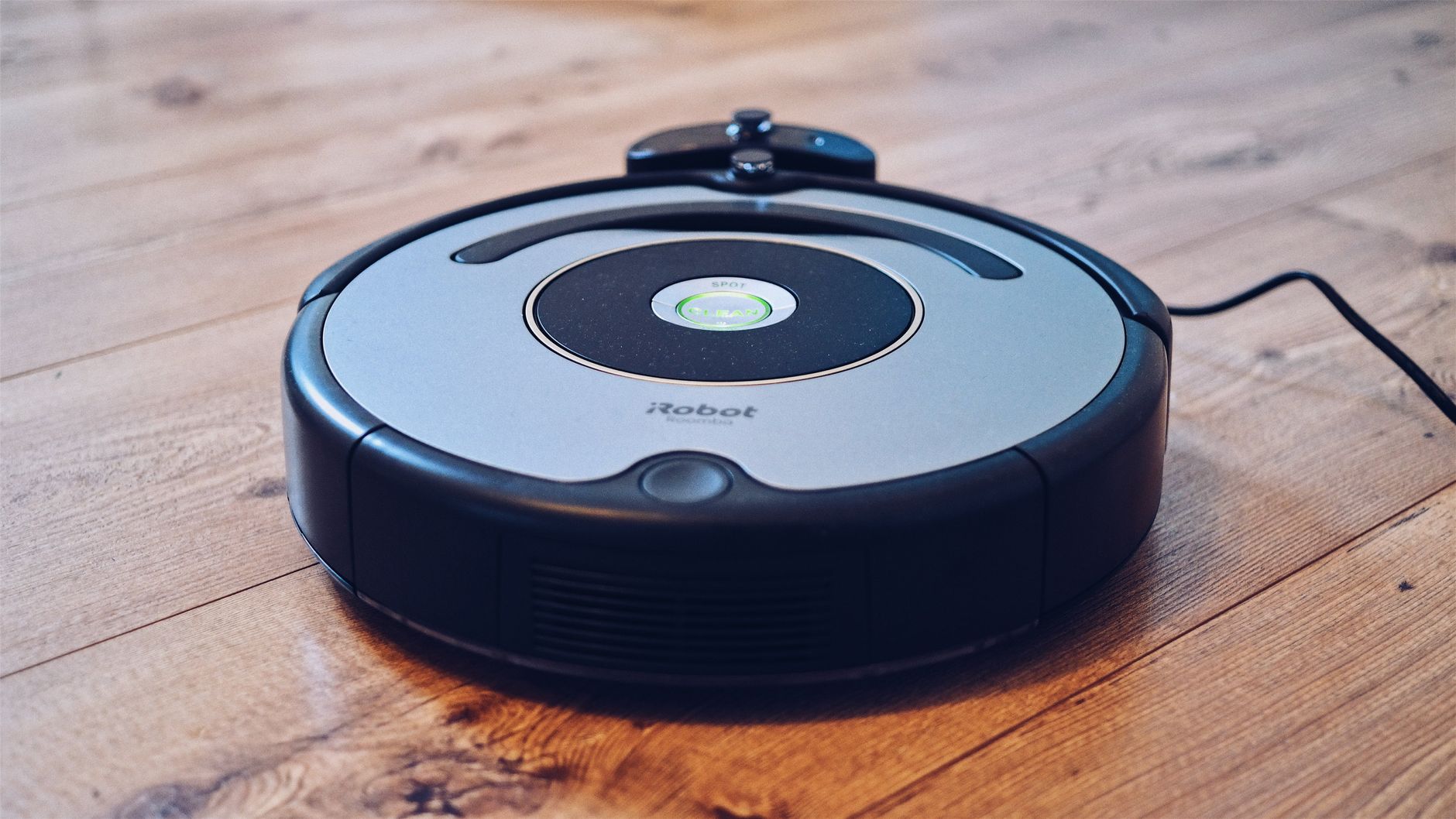
Robot vacuum cleaners are autonomous floor maintenance tools designed to reduce the frequency of manual vacuuming by providing consistent daily or weekly surface cleaning. While they cannot replace a high-powered upright vacuum for deep-cleaning carpets or reaching tight corners, they manage the accumulation of dust, pet hair, and debris in high-traffic areas with impressive regularity.
⚡ In a Rush? Key Takeaways
- Robot vacuums typically consume under 0.5 kWh per full cleaning cycle.
- Maintenance requires replacing HEPA filters every 3–6 months for optimal airflow.
- Daily scheduling reduces airborne dust levels by up to 20% in high-traffic rooms.
- ✅ Verdict: They are essential for maintenance but require a manual vacuum for deep cleaning.
How Do Robot Vacuum Cleaners Actually Clean Floors?
These devices use spinning brushes to gather debris, a suction motor for intake, and sensors to navigate obstacles throughout your home.
Do They Use Brushes or Suction for Better Results?
Effective cleaning relies on a combination of rubber agitators or bristle brushes to lift dust while suction pulls debris into the bin.
Most modern units feature a dual-brush system that agitates carpets while pulling hair toward the suction intake. Without these rotating brushes, the suction alone is rarely strong enough to pull deep-seated dust from woven fibres.
I have observed that models with silicone brushes are significantly better for homes with long hair or pets, as they resist tangling. Bristle brushes are effective but require much more frequent manual maintenance to remove wrapped hair.
What Sensors Prevent Them From Falling Down Stairs?
Cliff sensors detect significant drops in elevation and trigger the motor to reverse direction before the unit reaches the edge.
Most units use a series of infrared sensors located along the underside to map the ground and identify floor changes. While highly reliable, they can be tricked by very dark, absorbent carpet colours which the sensors misread as an edge.
For more complex navigation, premium models employ Lidar mapping technology. This creates a virtual layout of your home, allowing you to set specific “no-go” zones via your phone.
What Is the Real Running Cost of a Robot Vacuum?
Operational costs include minimal electricity usage, regular filter replacements, and the eventual need to swap worn brush modules.
How Much Electricity Does a Robot Vacuum Consume?
A typical cycle uses roughly 0.2 to 0.5 kWh, costing pennies per session depending on your local residential energy rates.
The charging dock draws a very small amount of power continuously, though this is negligible compared to standard home appliances. If you are concerned about your home energy efficiency, using a smart plug can cut off power to the dock entirely if you only charge on a schedule.
The actual cost of running a robot is tied more to consumable parts than to the power grid. Always account for the price of replacement filters and side brushes when calculating the total cost of ownership.
What Are the Hidden Costs of Maintenance?
Replacement filters, side brushes, and main brush rolls generally cost between $30 and $70 per year for an average household.
- HEPA Filters: Replace every 3 to 6 months to maintain suction performance.
- Side Brushes: Swap when bristles become frayed or bent out of shape.
- Main Brushes: Inspect every 6 months; replace if the rubber edges show cracks.
- Batteries: Typically last 2 to 3 years before requiring a factory replacement.
Is a Robot Vacuum Worth the Investment for Your Home?
These units provide the highest value to households with pets or those who struggle with the physical demands of frequent cleaning.
Can They Replace a Traditional Upright Vacuum?
No, a robot vacuum serves as a supplement to, not a replacement for, a powerful corded vacuum cleaner for deep carpet cleaning.
I often find that while my robot keeps the surface dust at bay, I still need a standard cleaner for the baseboards and heavy-duty rugs. Using your robot for daily maintenance means you only need to perform that deep-clean ritual half as often.
If you have multiple floors or complex furniture layouts, check out our home organisation tips to ensure your floor plan is optimized for easier navigation by these devices.
Which Floor Types Benefit Most From Automation?
Hardwood, tile, and low-pile rugs see the best performance, while high-pile shag rugs can cause motor strain and navigation errors.
| Floor Type | Performance | Recommendation |
|---|---|---|
| Hardwood | Excellent | Highly recommended |
| Low-pile carpet | Good | Use high-suction mode |
| High-pile shag | Poor | Avoid use |
| Tile/Stone | Excellent | Ensure brush height is set |
Frequently Asked Questions
-
How often should I empty the dustbin?
Most bins require emptying after every one or two cycles, though models with self-emptying docks can go weeks without manual care.
-
Do they work in the dark?
Yes, most models use infrared or Lidar sensors, meaning they do not rely on visible light to navigate or identify floor surfaces.
-
Can I use them in a home with multiple floors?
You can, but you must manually move the unit between floors, and the mapping software may require separate profiles for each level.
-
How do I manage long pet hair?
Look for models specifically marketed for pet hair, which feature tangle-resistant brush rolls that prevent buildup on the rollers.
For those looking to integrate these devices into a broader kitchen workflow or living space, remember that preparation is key. Clearing floor obstacles ensures the robot spends more time cleaning and less time getting stuck, making the automation feel like a genuine home improvement rather than a chore.