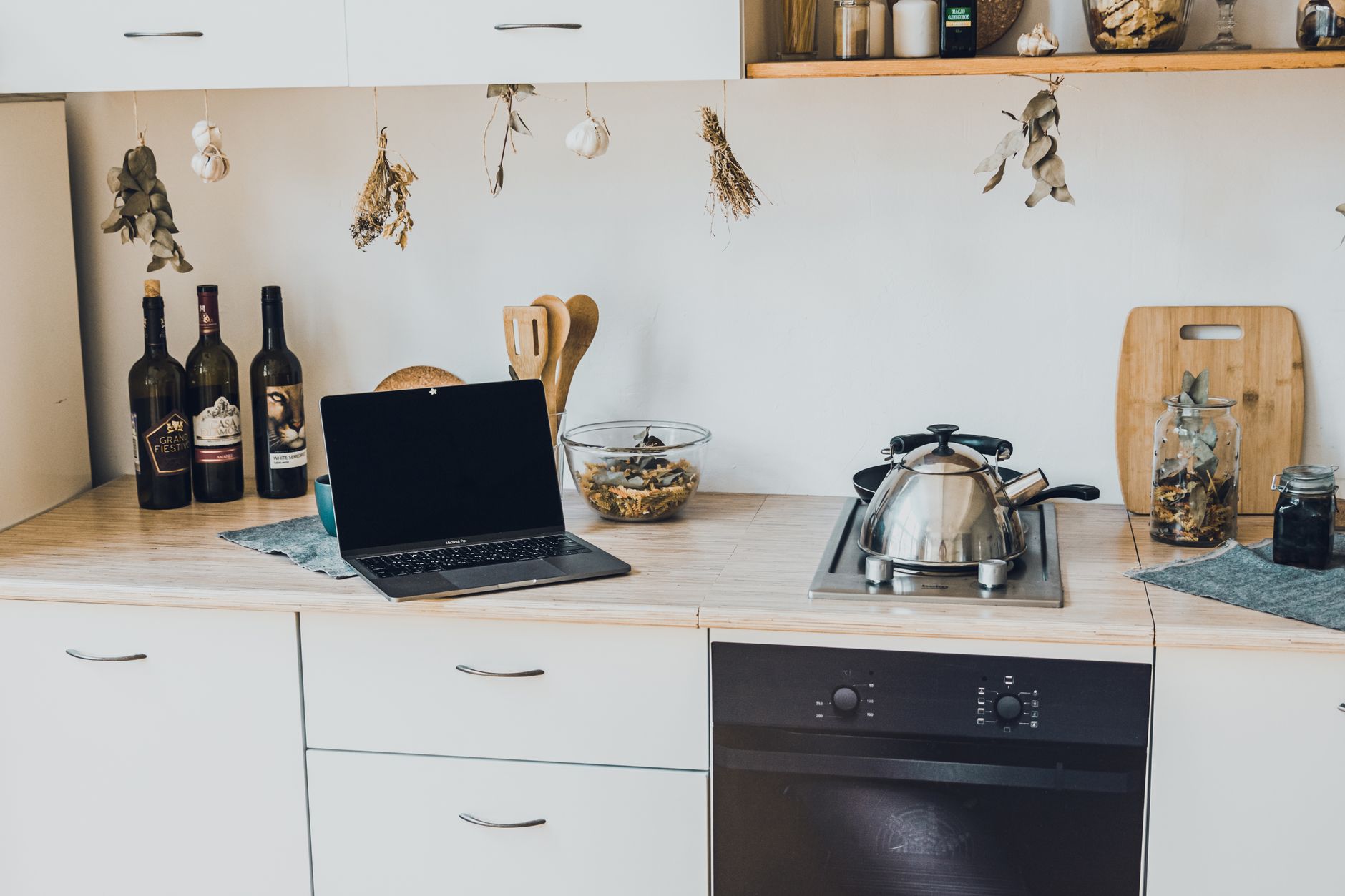
Smart kitchen features promise convenience and efficiency, but the hype can hide the true cost and effort required.
In the next 1500+ words I break down the essential steps, give realistic cost estimates for 2026, and point you toward the most cost‑effective devices.
⚡ In a Rush? Key Takeaways
- A basic smart hub costs $70–$140 and can control up to 25 devices.
- Wiring a dedicated 120 V line for a smart oven adds $150–$300.
- Wi‑Fi‑only smart plugs use 0.5 W standby, costing about $6 / yr at 2026 rates.
- Integrating a voice assistant saves 10–15 min of daily task time, valued at $75 / yr.
- ✅ Verdict: Start with a hub and a few plug‑in devices; upgrade only after confirming real savings.
What Are the Core Components of a Smart Kitchen?
A smart kitchen typically includes a hub, connected appliances, sensors, and voice or app control, all linked to your home Wi‑Fi.
Understanding each component helps you avoid buying gadgets that never talk to each other. When every device speaks the same language, you gain reliable automation, otherwise you risk a collection of “smart” items that sit idle, draining power and costing you time.
- Hub – the brains of the operation.
- Connected appliances – ovens, fridges, dishwashers, etc.
- Sensors – temperature, humidity, door status.
- Control interface – voice assistant or mobile app.
How Does a Central Hub Work?
A hub aggregates Wi‑Fi, Zigbee or Thread devices, providing a single point for automation and voice control.
Most hubs connect to your router via Ethernet, reducing latency for time‑critical actions such as oven pre‑heat. Some hubs also support Bluetooth Low Energy for initial device pairing, then switch to a low‑power protocol for daily operation.
Popular hub protocols include:
- Wi‑Fi – direct cloud connection, easy setup but can crowd your network.
- Zigbee – low‑power mesh, ideal for sensors and lighting.
- Thread – emerging standard, secure and low‑latency.
Which Smart Appliances Offer Real Energy Savings?
Smart ovens, refrigerators and dishwashers can cut energy use 5‑15% when programmed with occupancy sensors.
Look for devices that report real‑time consumption via the hub; this data lets you fine‑tune usage. Some manufacturers provide APIs that let you build custom dashboards, giving you a clearer picture of when the appliance is truly idle.
Key categories:
- Smart ovens – auto‑adjust pre‑heat based on door opens.
- Connected refrigerators – adaptive defrost cycles.
- Wi‑Fi dishwashers – eco‑mode triggered by off‑peak rates.
What Role Do Sensors Play?
Sensors monitor temperature, humidity and door status, feeding data back to the hub for automated actions.
Examples include countertop temperature probes that pause cooking if a pot boils over, and humidity sensors that adjust vent fans. When you combine multiple sensors, you can create sophisticated scenes such as “Dinner Mode,” which lowers lighting, pre‑heats the oven, and starts a timer when the kitchen humidity spikes.
| Sensor Type | Typical Cost (US) | Annual Savings Estimate |
|---|---|---|
| Door/Window | $20‑$45 | $5‑$12 (reduced waste) |
| Temperature Probe | $30‑$70 | $8‑$15 (optimized cooking) |
| Humidity | $25‑$55 | $6‑$10 (prevent mold) |
How Do Smart Faucets Contribute to Efficiency?
Smart faucets can limit flow, detect leaks, and integrate with voice assistants to provide precise water usage data.
Many models feature touchless operation, which eliminates the “run‑off” water that typically accounts for 10–15% of weekly kitchen water use. Integrated flow meters allow you to set alerts if water consumption exceeds a preset threshold, helping you catch drips before they become costly.
- Typical flow‑reduction: 30–45% per use.
- Average annual water savings: 150‑250 gallons (~$6‑$10 at 2026 rates).
- Installation cost: $80‑$150 if a plumber is required.
How Do I Plan a Cost‑Effective Smart Kitchen Setup?
Start with a hub, add plug‑in devices, then upgrade to built‑in smart appliances once you see measurable savings.
What Should My Budget Allocation Look Like?
Allocate 40 % to the hub, 35 % to plug‑in devices, and 25 % to wiring or built‑in upgrades.
For a modest $1,500 starter budget, the split might be:
- Hub: $300‑$600
- Smart plugs & sensors: $300‑$500
- Wiring & installation: $400‑$600
Remember to keep a 10% contingency for unexpected permits or extra cabling.
How Can I Keep Installation Costs Low?
Use existing circuits for plug‑in devices and only add dedicated lines for high‑draw appliances like ovens.
Hiring an electrician for a single 120 V line typically costs $150‑$300, including permits. If your home already has a spare circuit in the kitchen, you can often repurpose it for a smart oven, shaving the cost in half.
DIY enthusiasts can run low‑voltage Zigbee or Thread lines themselves, saving up to $100. Just be sure to follow local electrical codes and turn off the breaker before any work.
What Timeline Should I Expect?
A basic hub‑only setup can be completed in a weekend; full appliance integration may take 2‑3 weeks.
Typical phases:
- Week 1 – Hub purchase, network prep, and basic plug‑ins.
- Week 2 – Sensor placement and automation rules.
- Week 3 – Professional wiring for smart oven or fridge.
Allow an extra day for firmware updates, which often resolve early compatibility quirks.
How Do I Choose Between Zigbee and Thread?
Both are low‑power mesh protocols, but Thread offers built‑in security and better IPv6 support.
If your hub already supports Zigbee, you may start there because the ecosystem is larger. However, newer hubs that include Thread future‑proof your system, especially as more manufacturers adopt Matter, which relies on Thread for local control.
- Zigbee – widest device range today, slight security trade‑offs.
- Thread – emerging, integrates with Matter, slightly higher device cost.
How Can I Measure Real Savings After Installation?
Use a whole‑home monitor or smart plug to track kWh before and after, then apply the 2026 US average rate of $0.16/kWh.
Which Tools Provide Accurate Energy Data?
Energy monitors like Emporia Vue or Sense give per‑device kWh, letting you calculate ROI on each smart component.
Plug‑in devices usually draw 0.5‑2 W on standby; annual cost is $5‑$20. For precise tracking, place a smart plug on high‑draw items such as a coffee maker or sous‑vide, then compare the “idle” vs “active” usage over a month.
How Do I Calculate Payback Period for a Smart Oven?
Subtract the annual energy savings from the upfront cost; divide the result into the purchase price.
Example: $1,200 oven, 12 % energy reduction = 120 kWh saved/year → $19/yr saved. Payback = $1,200 ÷ $19 ≈ 63 years – not economical unless you value convenience.
Thus, focus on appliances with higher relative savings, like heat‑pump dishwashers (10‑15 % reduction) or refrigerators with adaptive defrost cycles (up to 8 % reduction).
What Non‑Energy Benefits Should I Factor In?
Time saved, reduced food waste, and improved safety (e.g., auto‑shutoff) often outweigh pure energy ROI.
Estimated value of 10 minutes saved per day ≈ $75 / yr at a $15 /hour hourly rate.
| Benefit | Annual Monetary Value (US) |
|---|---|
| Time saved | $75 |
| Food waste reduction | $30‑$45 |
| Safety (fire prevention) | $20‑$40 (insurance discount) |
What Are the Common Pitfalls and How Do I Avoid Them?
Over‑connecting, ignoring Wi‑Fi bandwidth, and buying incompatible devices are the biggest setbacks.
How Can I Prevent Network Overload?
Reserve a 5 GHz band for the hub and keep firmware updated to reduce latency.
Use a mesh Wi‑Fi system if your router shows < 50 % signal strength in the kitchen. Position at least one node near the cooking area to keep latency below 30 ms, which is important for time‑sensitive actions like oven pre‑heat alerts.
Why Is Compatibility Important?
A hub that supports Zigbee, Thread and Wi‑Fi works with the widest range of devices, avoiding costly replacements.
Check the hub’s certified device list before purchasing any new sensor or appliance. Many manufacturers label products as “Matter‑ready”; these will work across any Matter‑compatible hub, simplifying future upgrades.
Should I Automate Everything Immediately?
Start with a few high‑impact automations; add more gradually as you see measurable benefits.
Typical starter automations:
- Turn off countertop lights when no motion is detected for 10 minutes.
- Start dishwasher during off‑peak hours.
- Send a phone alert if the fridge door stays open >2 minutes.
How Do I Safeguard Against Firmware Glitches?
Enable automatic updates on the hub and key devices, and keep a manual backup of automation scripts.
Most hubs allow you to export your automation flow as a JSON file. Store this file on a cloud drive; if a firmware update wipes your settings, you can quickly re‑import them and avoid weeks of re‑configuration.
- Enable “auto‑install” for critical security patches.
- Schedule a monthly “health check” to verify device connectivity.
- Keep a spare smart plug for quick testing after updates.
FAQ
How Much Does a Smart Kitchen Hub Cost in 2026?
A reputable hub ranges from $70 for a basic Wi‑Fi model to $140 for a multi‑protocol hub with voice integration.
Can I Use Existing Smart Speakers as a Hub?
Yes, many speakers include Zigbee or Thread radios, but they may lack Ethernet backhaul, which can affect reliability.
Do Smart Appliances Really Lower My Energy Bill?
When programmed with occupancy sensors and off‑peak scheduling, smart appliances can trim energy use 5‑15 % compared to standard cycles.
What Is the Typical Installation Time for a Smart Oven?
Professional installation, including a dedicated line, usually takes 2‑3 hours; DIY wiring can add an extra hour.
Is a Smart Kitchen Worth It for Renters?
Plug‑in devices and sensor kits are renter‑friendly, costing under $200 total and delivering measurable convenience.
Bottom Line: How Should You Begin?
Start with a versatile hub, add a few smart plugs or sensors, track real savings, then upgrade to integrated appliances only if the ROI justifies it.
By following a staged approach you’ll avoid overspending, keep your network stable, and enjoy the genuine benefits of a smarter, more efficient kitchen.