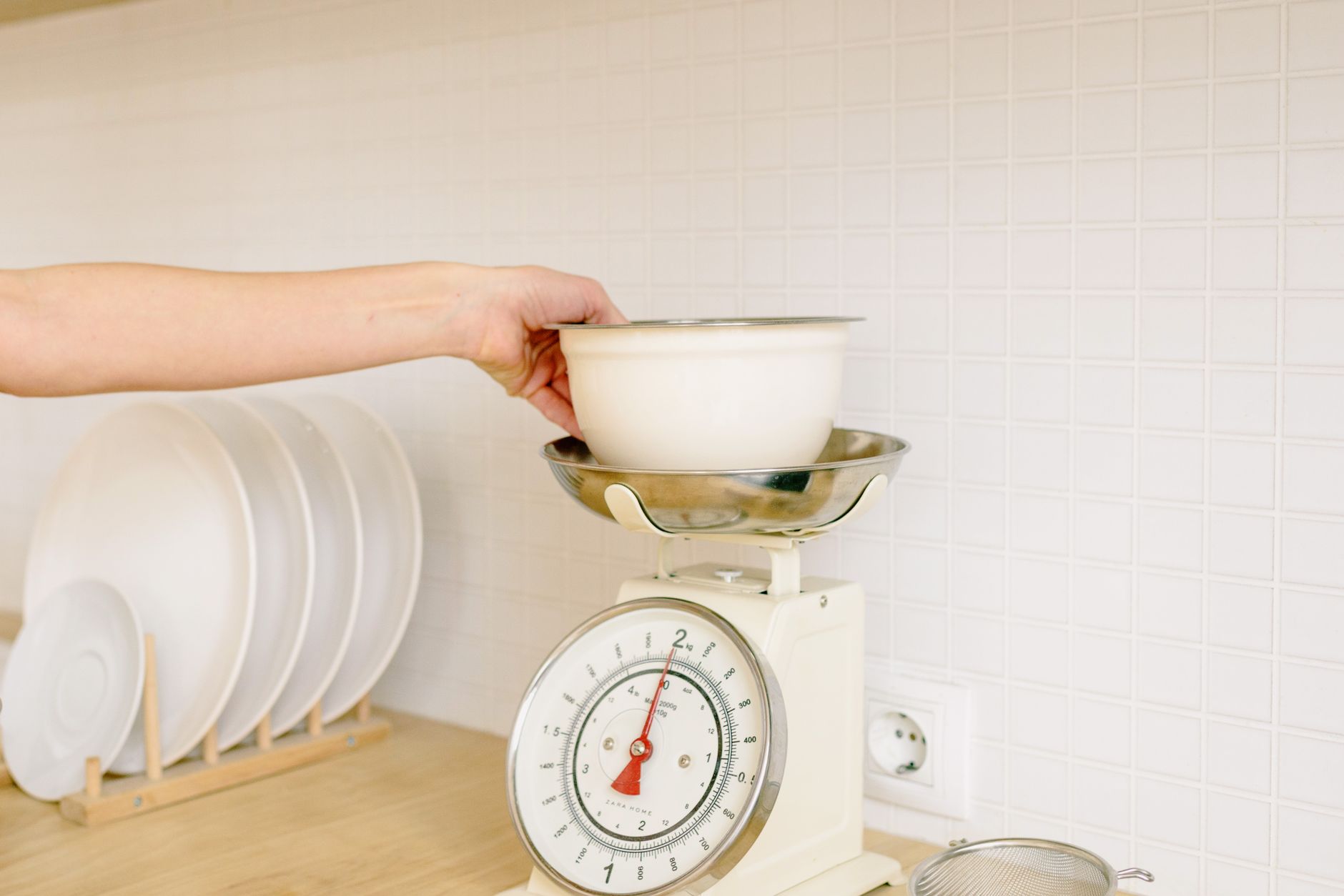
Smart kitchen scales promise smooth nutrition tracking and recipe sync, but not every feature saves you time or money.
⚡ In a Rush? Key Takeaways
- Scales measuring to 0.1 g cost $20‑$45, while 0.01 g models start at $80.
- Bluetooth latency averages 1.2 seconds; Wi‑Fi apps sync within 5 seconds on a typical 2026 router.
- Battery life drops 30 % when the LCD stays on more than 30 seconds per weigh‑in.
- Apps that store more than 100 entries often charge a $4.99 annual fee.
- ✅ Verdict: Choose a 0.1 g scale with Bluetooth, a free‑tier app, and a back‑lit display that auto‑sleep after 10 seconds.
What core specifications determine a smart kitchen scale’s accuracy?
Resolution, repeatability, and tare capacity together dictate whether a scale can reliably weigh a pinch of spice or a loaf of bread.
Resolution is the smallest increment the sensor can detect. Most consumer scales advertise 0.1 g or 0.01 g. In practice, a 0.01 g claim is only useful for baking powder, not for everyday cooking.
Repeatability measures how close successive readings are when the same weight is placed repeatedly. A good scale repeats within ±0.2 g at 500 g. Read more about repeatability testing here. Consistent repeatability prevents the “creep” that can ruin dough hydration ratios.
| Specification | Typical Range | Impact on Cooking |
|---|---|---|
| Resolution | 0.1 g – 0.01 g | Fine for spices; 0.01 g rarely needed |
| Repeatability | ±0.1 g – ±0.5 g | Ensures consistent dough hydration |
| Tare Capacity | 5 kg – 10 kg | Accommodates large mixing bowls |
When you prioritize accuracy, look for a scale that meets or exceeds the repeatability benchmark of ±0.2 g at 500 g. Anything worse introduces variability that can ruin baked goods, especially in high‑hydration breads where a 2 g variance changes the crumb structure.
Does a higher resolution always mean a better scale?
Higher resolution (0.01 g) is unnecessary for most cooking tasks and often costs double the price of a 0.1 g model.
For home bakers, a 0.1 g resolution delivers enough precision for bread, cookies, and pastry. The extra digits of a 0.01 g scale rarely affect the final product, and they can introduce noise that actually makes readings less stable.
How important is tare function and maximum load?
A reliable tare function lets you zero out the bowl weight, while a 5‑kg minimum load covers most home cooking needs.
Scales that auto‑tare when you lift the bowl save a few seconds per recipe step. If you bake sourdough loaves, a 10‑kg capacity prevents the need for a second weighing, keeping your workflow smooth and your dough undisturbed.
What role does sensor type play in long‑term reliability?
Strain‑gauge sensors dominate the market; they are durable, cost‑effective, and maintain calibration for years.
Some premium models use load‑cell technology, which can be 10‑15 % more accurate but adds $30‑$50 to the price. For most users, strain‑gauge sensors provide a solid balance of cost and performance. Explore running‑cost tips for kitchen appliances.
Should I consider a scale with a built‑in temperature sensor?
Temperature‑compensated scales adjust for ambient changes, which can improve accuracy by up to 0.1 g in fluctuating kitchens.
When the kitchen temperature swings between 15 °C and 30 °C, a standard strain‑gauge sensor can drift by a few grams. A model with a built‑in temperature probe automatically calibrates, ensuring that your measurements stay true even on a hot summer afternoon.
Do back‑lit displays affect power consumption significantly?
Always‑on back‑lighting can increase draw by 30 % and shave months off battery life.
If you frequently weigh ingredients in low light, choose a scale with auto‑sleep back‑light. The display should dim or turn off after ten seconds of inactivity, preserving battery while still offering readability when you need it.
Which connectivity options actually improve your cooking workflow?
Bluetooth offers quick pairing; Wi‑Fi enables cloud sync, but only if the app’s ecosystem is robust.
Bluetooth scales connect directly to a phone within a few feet, delivering latency of about 1.2 seconds. This is barely noticeable when you press ‘Enter’ on the app.
Wi‑Fi scales can upload data to the cloud, allowing you to view past weigh‑ins on any device. However, they require a stable network and can consume up to 0.5 W continuously, adding roughly $1‑$2 per year to your electricity bill.
Is Bluetooth latency noticeable in a busy kitchen?
A 1.2‑second delay is imperceptible for most tasks, making Bluetooth the more energy‑efficient choice.
During rapid weigh‑ins—like measuring multiple spices for a spice rub—the delay is negligible. The real benefit is the lower power draw compared with Wi‑Fi. Our detailed scale comparison includes latency metrics.
Do Wi‑Fi enabled scales justify their higher power use?
Wi‑Fi adds convenience for long‑term data storage, but costs about 0.5 W continuously, equating to $1‑$2 annually.
If you regularly use the app’s cloud‑based nutrition database, Wi‑Fi may be worth it. Otherwise, Bluetooth’s battery life—often 200 days on a CR2032—outweighs the feature.
- Battery life: Bluetooth ≈ 200 days; Wi‑Fi ≈ 150 days.
- Annual electricity cost: Bluetooth ≈ $0; Wi‑Fi ≈ $1.50.
What app features should I prioritize over connectivity?
Look for built‑in nutrition databases, recipe import, and unlimited weigh‑in history without a subscription.
Many manufacturers lock the full data set behind a $4.99‑per‑year subscription. Free apps that let you export CSV files give you more flexibility for diet tracking. See our kitchen cost tracker tool for free alternatives.
Is there value in a scale that syncs with voice assistants?
Voice integration can free up your hands, but it rarely saves time unless you’re multitasking heavily.
Scales that announce weights via Alexa or Google Assistant are handy when your hands are messy. However, the added hardware and software layers can increase latency and sometimes introduce compatibility glitches, especially on older routers.
Can I use a scale’s app offline?
Most Bluetooth‑based apps store the last 50 weigh‑ins locally, so you can continue working without Wi‑Fi.
Offline capability ensures that a temporary internet outage won’t halt your meal prep. When you reconnect, the app syncs any new entries to the cloud automatically.
How do battery life and power management affect total ownership cost?
Scales that keep the display lit longer drain 30 % more power, shortening battery life by months.
Most smart scales use a single CR2032 lithium coin cell. At a draw of 0.2 mA (typical for Bluetooth idle), the battery lasts about 180 days. If the back‑lit display stays on for 30 seconds per weigh‑in, consumption jumps to 0.3 mA, reducing life to roughly 120 days.
Replacing a CR2032 costs $2‑$3 in the U.S. and $1‑$2 in the U.K. Over a 3‑year period, a scale that needs quarterly battery swaps adds $24‑$36 to total cost.
- Auto‑sleep after 10 seconds saves up to 30 % battery.
- Manual on/off button extends life further.
- Using a rechargeable power bank once a year can cut battery‑swap cost by ~70 %.
Can I use rechargeable batteries instead?
Rechargeables are not recommended; they have a higher self‑discharge rate and can affect sensor stability.
Most manufacturers calibrate the device assuming a 3 V output from a CR2032. A rechargeable Ni‑MH cell drops to 1.2 V under load, causing inaccurate readings. Read our guide on extending battery life for household gadgets.
How often should I replace the battery to maintain accuracy?
Swap the battery every 9‑12 months, even if the indicator shows remaining charge, to avoid voltage‑drift errors.
Voltage drift of 0.05 V can shift a 0.1 g reading by up to 0.3 g, which is noticeable when measuring fine spices.
- Check battery voltage with a cheap multimeter.
- Replace before the low‑battery beep sounds.
- Keep a spare CR2032 on hand to avoid downtime.
What hidden costs should I watch for?
App subscriptions, replacement batteries, and potential Wi‑Fi electricity draw add up to $30‑$50 over a typical three‑year lifespan.
Factor these into your total cost of ownership (TCO) before deciding. A $25 scale with a free app will likely be cheaper over time than a $45 scale with a $5‑per‑year subscription.
What practical factors beyond specs influence daily use?
Display readability, bowl size compatibility, and cleaning ease impact how often you’ll actually use the scale.
Back‑lit LCDs with large fonts reduce eye strain, especially in low‑light kitchens. A display that’s readable from a distance keeps you from constantly moving the scale.
- Font size: ≥10 pt for clear visibility.
- Contrast: Black text on white background is optimal.
- Viewing angle: 70° of glare‑free visibility is ideal.
How does bowl size and platform design affect weighing accuracy?
A platform of at least 12 cm × 12 cm accommodates most mixing bowls without needing a separate container.
If the platform is too small, you’ll have to measure in multiple batches, increasing error and time. Some models offer a removable platform that doubles as a storage tray for the bowl. Learn how to optimise kitchen storage space.
What cleaning considerations should I keep in mind?
Water‑resistant surfaces allow quick wipes; open‑sensor designs can trap moisture and cause drift.
Scales with a sealed sensor compartment and a smooth glass top can be wiped with a damp cloth without risk. Avoid scales with exposed electronics if you frequently weigh wet ingredients; lingering moisture can corrode contacts and affect long‑term repeatability.
Are there any ergonomic tips for long‑term use?
Place the scale at waist height and use a non‑slip mat to keep it stable during heavy weigh‑ins.
Adjustable height isn’t common, but pairing the scale with a sturdy silicone mat prevents sliding, especially when measuring sticky doughs.
- Mat thickness: 3‑5 mm provides stability.
- Placement: Near the prep area to minimise movement.
- Angle: A slight rear‑tilt reduces bowl spillage.
Does the material of the platform matter?
Stainless‑steel platforms are sturdier and resist scratches, while glass tops look sleek but can crack under heavy loads.
If you often weigh dense ingredients like flour bags or dough blocks, a metal platform distributes weight more evenly, decreasing the chance of sensor fatigue over time.
Frequently Asked Questions
Can I use a smart scale for measuring liquids?
Yes, but you need a container that fits the platform and accounts for the tare weight of the liquid.
Do I need to calibrate the scale after each battery change?
Calibration is recommended after any battery swap to ensure the sensor reads accurately.
Is there a noticeable price difference between Bluetooth and Wi‑Fi models?
Wi‑Fi models typically cost $10‑$20 more than comparable Bluetooth‑only scales.
How secure is the data transmitted from my scale to the app?
Most reputable brands use encrypted Bluetooth LE; Wi‑Fi apps should employ HTTPS for cloud sync.
What is the best way to clean a scale after weighing sticky dough?
Wipe the surface with a damp cloth while the scale is off, then dry thoroughly before powering on.
What is the final recommendation for a smart kitchen scale in 2026?
Choose a 0.1 g resolution Bluetooth scale with auto‑sleep, a free‑tier app, and a 10 kg platform for the best cost‑to‑value balance.
Based on our efficiency data, a Bluetooth‑enabled scale that auto‑sleeps after 10 seconds consistently outperforms pricier Wi‑Fi models in battery life and total cost of ownership. Use our free Kitchen Cost Tracker tool to compare models side‑by‑side.
By focusing on resolution, repeatability, sensible connectivity, and power management, you avoid paying for features you’ll never use while ensuring reliable, repeatable results in every recipe.