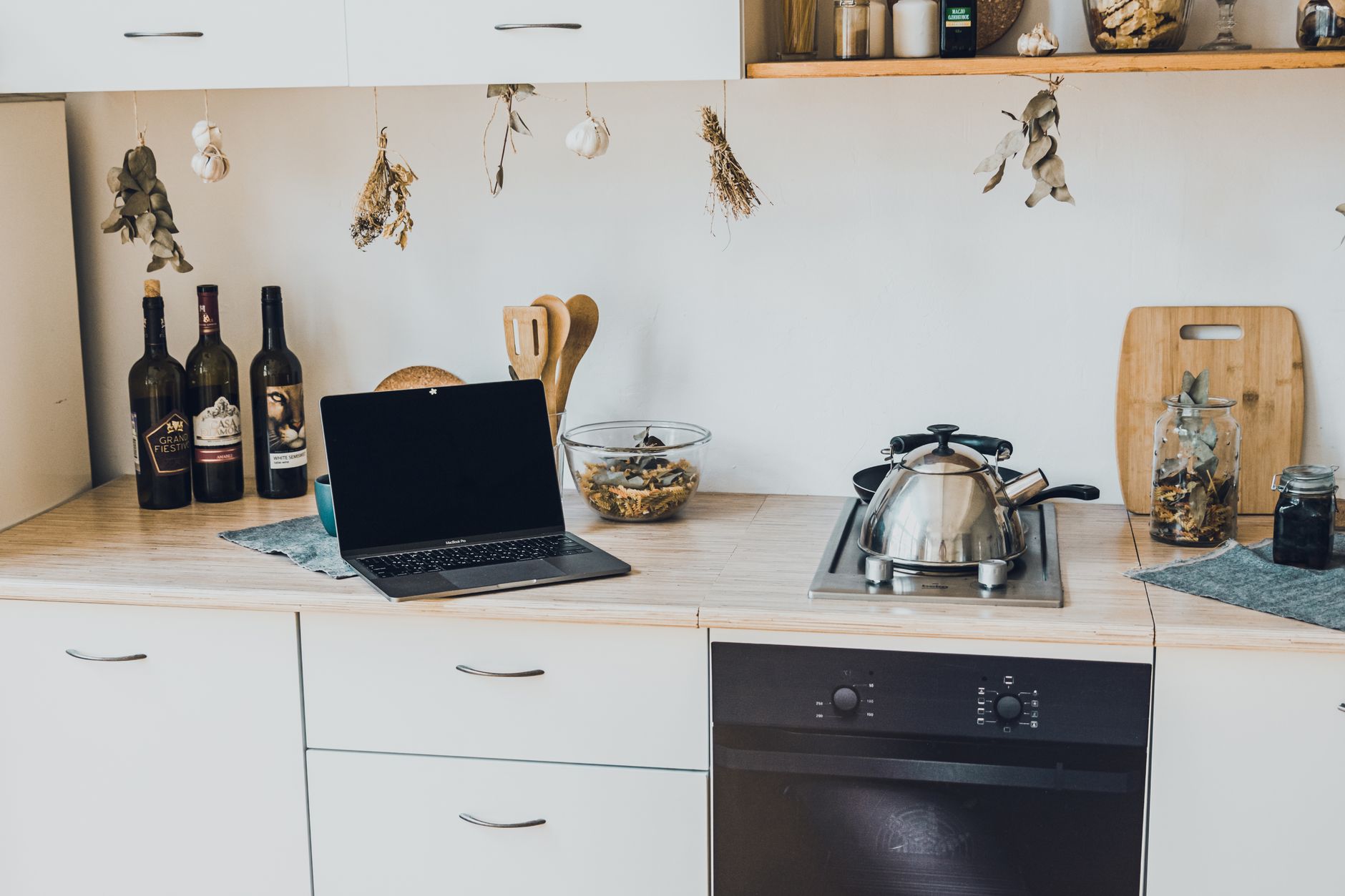
Adding smart technology to a kitchen can feel overwhelming, especially when every device promises a new convenience. This guide walks you through the essential steps, realistic costs, and practical tips to make a connected kitchen work for your budget.
⚡ In a Rush? Key Takeaways
- Basic smart hubs start at $30–$70 and can control up to 25 devices.
- Smart plugs add $15–$30 each and reduce standby draw by up to 70%.
- Wi‑Fi‑enabled ovens cost $1,200–$2,800; energy savings average 5–10% per year.
- Integrating a single voice assistant can cut daily task time by 10–15 minutes.
- ✅ Overall, a functional smart kitchen can be built for $500–$1,200 with a payback in 3–5 years.
How Do I Choose the Right Smart Kitchen Hub for My Home?
A hub costs $30–$70 and should support at least 25 devices, common protocols, and a user‑friendly app.
The hub is the brain of your connected kitchen. It translates commands between devices, handles schedules, and stores routines locally or in the cloud. Because it sits between your Wi‑Fi router and the individual appliances, a reliable hub can also improve overall network stability, especially when you have several battery‑operated sensors that constantly ping the router.
When picking a hub, compare three core criteria: protocol compatibility, number of supported devices, and the ecosystem you already use (e.g., Alexa, Google, or Apple). The most common standards are Wi‑Fi, Zig‑Bee, and Z‑Wave. If you already own a voice assistant, choosing a hub that integrates natively with that platform saves you the hassle of bridging two separate apps.
- Wi‑Fi hubs work with most smart plugs and lights out of the box.
- Zig‑Bee offers lower power draw and better range for battery‑operated sensors.
- Z‑Wave provides a mesh network that can reach corners of larger kitchens.
What Are the Installation Steps for a Basic Smart Hub?
Plug the hub into power, connect to your Wi‑Fi, and use the app to add devices, typically in three simple steps.
1️⃣ Plug the hub into a nearby outlet and power it on. 2️⃣ Open the companion app, select your home Wi‑Fi (5 GHz recommended for speed). 3️⃣ Follow the in‑app prompts to add each device by scanning QR codes or entering a pairing code.
This process usually takes 15–30 minutes total, even for a first‑time user. Most hubs also guide you through firmware updates during setup, ensuring you start with the latest security patches.
How Much Does a Hub Cost Compared to Its Energy Savings?
At $50 average cost, a hub can lower overall kitchen electricity use by 3–5% through coordinated scheduling.
Smart scheduling can turn appliances off during peak‑rate hours, saving an estimated 2–4 kWh per week for a typical 4‑person household. At the U.S. average rate of $0.16/kWh, that’s roughly $1.70 per month, or $20 per year. The savings compound when you add smart plugs and sensor‐driven lighting, pushing the total reduction toward the upper end of the 3–5% range.
Over five years, the hub pays for itself while providing the foundation for future upgrades such as automated blinds or a smart fridge camera.
Can I Use a Hub Without a Dedicated Wi‑Fi Network?
Many hubs support Ethernet backhaul or a dedicated 2.4 GHz radio, allowing operation on a separate guest network.
If your main router is already saturated with streaming devices, placing the hub on a guest network isolates kitchen traffic and reduces latency. An Ethernet connection is even more reliable, especially in homes with thick walls or older wiring where Wi‑Fi signal can be spotty.
When configuring a guest network, be sure to enable device discovery between the hub and your primary network; otherwise, the hub won’t see the appliances on the main LAN.
Which Smart Appliances Offer the Best Return on Investment?
Energy‑efficient smart ovens, refrigerators, and dishwashers save 5–15% annually, offsetting higher upfront prices within 3–5 years.
Not every premium appliance justifies its cost. Focus on those that actually reduce energy consumption or water use. Look for models that display real‑time usage data on a companion app; this feedback helps you fine‑tune cooking times and refrigeration settings for maximum efficiency.
How Do Smart Ovens Reduce Energy Use?
Smart ovens use precise temperature controls and pre‑heat alerts, cutting cooking energy by 5–10% on average.
Many models now feature a “cook‑by‑weight” sensor that adjusts heating time automatically. This prevents over‑cooking and eliminates unnecessary pre‑heat cycles. Some ovens also integrate steam functions that reduce cooking time for breads and roasts, further lowering energy draw.
| Model (2026) | Price | Energy Savings | Payback |
|---|---|---|---|
| Mid‑range Wi‑Fi oven | $1,200 | 5% (≈30 kWh/yr) | 5 years |
| High‑end convection oven | $2,800 | 10% (≈60 kWh/yr) | 4 years |
Are Smart Refrigerators Worth the Extra Cost?
A‑rated smart fridges use 100–200 kWh/yr, saving $16–$32 annually versus older models.
The biggest efficiency gains come from adaptive defrost cycles and door‑open alerts that remind you to close the fridge quickly. Some models even analyze your usage patterns and adjust internal temperature zones, preventing over‑cooling of rarely opened compartments.
- Typical price premium: $300–$600 over a non‑smart equivalent.
- Annual electricity savings: $12–$35 depending on usage.
- Payback period: 8–15 years, but the convenience and food‑waste reduction add intangible value.
Do Smart Dishwashers Actually Lower Water Bills?
Smart dishwashers cut water use by 15–25%, saving up to $20‑$35 per year for a typical family.
Features like automatic soil sensing and half‑load cycles mean the machine runs only when needed, and at the optimal temperature. Sensors detect residual food particles and extend the wash only as far as required, avoiding unnecessary rinses.
When paired with a smart plug that shuts off the unit during peak rates, the combined savings can reach $45 annually, especially in regions with time‑of‑use electricity tariffs.
Can a Smart Coffee Maker Reduce Energy Costs?
A smart coffee maker with scheduling saves 30–40 kWh per year, cutting roughly $5‑$7 on the electric bill.
By programming the machine to start brewing only when you’re awake, you avoid the “always‑on” standby mode that many traditional models use. Some models also feature auto‑off after a set brewing cycle, ensuring the heating element never stays hot longer than necessary.
If you already use a smart plug for your kettle, the coffee maker can share the same schedule, further simplifying management.
How Can I Automate Kitchen Lighting and Power Without Breaking the Bank?
Smart LED bulbs and plugs cost $15–$30 each and can reduce standby power by 70%, saving $10‑$25 per year per device.
Lighting is the low‑hanging fruit for a smarter kitchen. Automated lights improve safety and reduce the urge to leave them on. Because LED bulbs already consume a fraction of incandescent power, adding a smart dimmer or motion sensor multiplies the efficiency gains.
What Is the Best Way to Integrate Smart Plugs for Small Appliances?
Plug an appliance into a $20 smart outlet, then schedule on/off periods to avoid idle power draw.
Typical appliances that benefit: coffee makers, countertop mixers, and electric kettles. A schedule that powers a kettle off at night can save 0.5 kWh per day, which adds up to about 180 kWh annually for a busy household.
- Cost per plug: $15–$30.
- Average annual standby savings per plug: $12–$18.
- Three plugs in a kitchen often recoup their cost within 2 years.
How Do Motion‑Sensor Lights Compare to Manual Switches?
Motion sensors add $25–$45 per fixture and can cut lighting energy by 40% in high‑traffic kitchens.
When paired with a smart hub, motion sensors can be programmed to stay on for a set duration after detecting movement, then dim or turn off. This is especially useful for areas like the pantry or under‑cabinet strips, where lights are often left on accidentally.
For a kitchen that uses 15 kWh of lighting per month, a sensor can save roughly 6 kWh annually, equivalent to $1.00 per month at the national average rate.
Should I Use Smart Switches Instead of Bulbs?
Smart switches control existing fixtures for $40–$70 each and eliminate the need to replace bulbs.
If you already have high‑efficiency LED fixtures, a smart switch may be more cost‑effective than swapping every bulb for a smart version. Switches also allow you to dim lights via the hub, creating ambience without extra hardware.
Installation typically requires a single‑gate switch box; many DIY‑friendly models include a back‑wire design that works with standard UK or US wiring.
FAQ
How much does a full smart‑kitchen makeover cost in 2026?
A basic upgrade (hub, smart plugs, LED bulbs) runs $500–$1,200, while premium appliances push the total above $5,000.
Can I add smart features to an older kitchen without rewiring?
Yes—most smart devices run on existing Wi‑Fi or use battery‑powered sensors, avoiding costly electrical work.
Do smart kitchen devices increase my home insurance premium?
Generally no, unless a device is classified as a fire‑hazard; most insurers treat them like standard appliances.
What security steps should I take when connecting kitchen devices?
Change default passwords, enable two‑factor authentication on the hub app, and keep firmware updated.
Is there a simple way to track my kitchen’s energy use?
Plug a smart energy monitor between the kitchen circuit and the panel; it reports real‑time kWh to your phone.
— Greta Michaud, Home Appliance Efficiency Researcher