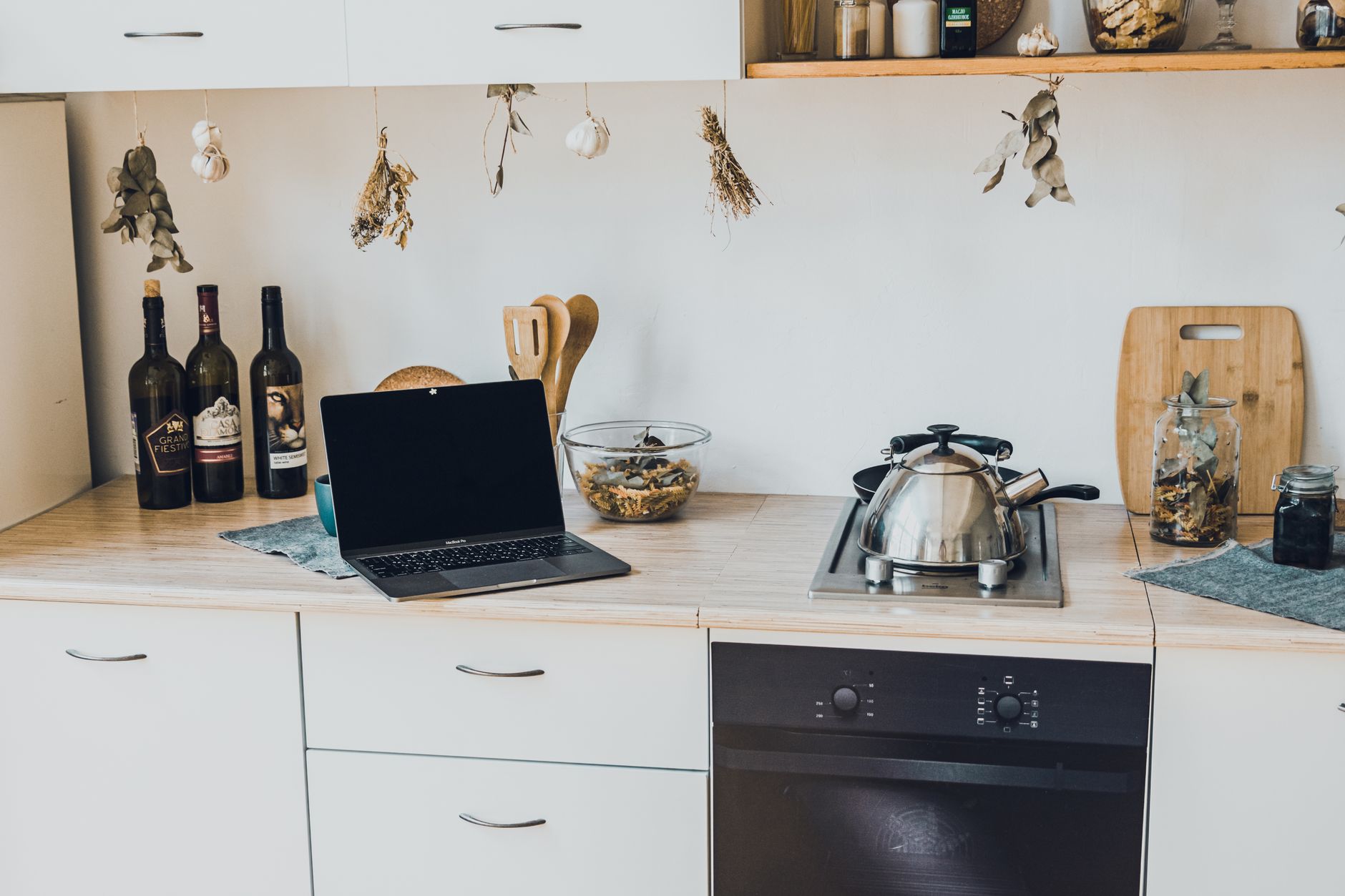
Smart kitchen technology promises convenience, but the real question is whether it saves you money and fits your lifestyle.
⚡ In a Rush? Key Takeaways
- Typical smart kitchen starter kits cost $800–$1,500 for devices and installation.
- Wi‑Fi enabled faucets reduce water use by 12–18% versus manual taps.
- Smart ovens can cut cooking energy by 5–10% when using pre‑heat‑skip modes.
- Adding a smart plug hub adds only $0.04‑$0.07 per day in electricity.
- ✅ Best approach: start with a smart plug hub, then add a connected faucet and a Wi‑Fi oven for the highest ROI.
How do I plan a smart kitchen without breaking the budget?
Begin with a budget, map needed functions, and prioritize devices that lower water or energy use for the best cost‑benefit balance.
Start by listing the daily tasks you wish to streamline – think of coffee brewing, lighting, and temperature control. Assign a rough dollar value to each desired convenience, even if it feels intangible at first.
Next, compare the upfront cost with the projected annual savings. For example, a Wi‑Fi faucet may cost $250 but can shave $30 off your water bill each year, while a smart plug hub might cost $120 and save $5 in phantom loads.
- Set a clear ceiling: $1,000–$1,500 for a starter package.
- Prioritize devices with measurable savings (water, energy, time).
- Plan wiring and Wi‑Fi coverage before buying.
Once you have a budget, use our Kitchen Cost Estimator tool to model the total spend and projected payback period. The estimator lets you toggle individual devices on or off, instantly showing how each choice affects your five‑year cost outlook.
What essential smart devices give the biggest energy savings?
Smart ovens, induction cooktops, and Wi‑Fi enabled faucets each reduce energy or water use by 5–15% when used properly.
Smart ovens often feature “no‑pre‑heat” settings that start cooking as soon as the temperature is reached, cutting 5–10% of typical energy use. Some models also detect the weight of food and adjust heating cycles automatically, shaving an extra few kilowatt‑hours per week.
Induction cooktops heat only the pan, not the surrounding air, delivering up to 15% lower electricity consumption than electric coil ranges. Because the surface stays relatively cool, you also lower the need for extra kitchen ventilation, which can further trim utility bills.
| Device | Typical Cost | Annual Savings |
|---|---|---|
| Smart Oven | $900 | $45 |
| Induction Cooktop | $650 | $30 |
| Wi‑Fi Faucet | $250 | $30 |
How much wiring and network work will I need?
Most smart kitchen devices use existing outlets; only integrated appliances (oven, dishwasher) may need a dedicated 240 V line.
If you already have a 20 A circuit for kitchen appliances, you can generally add smart plugs and a Wi‑Fi hub without new wiring. The hub draws only a few watts, and the plugs are designed for standard 120 V receptacles.
For a built‑in smart oven, a licensed electrician should install a dedicated 240 V, 30 A circuit to meet the National Electrical Code and ensure the oven runs at peak efficiency without overloading other circuits.
- Check your breaker panel for available slots.
- Plan a central Wi‑Fi router placement within 30 ft of devices.
- Consider a mesh system if the kitchen is far from the main router.
What are the step‑by‑step installation basics for a beginner?
Begin with a smart plug hub, then install a Wi‑Fi faucet, followed by a connected oven; test each device before moving on.
1. Set up a smart plug hub. Plug it into a wall outlet, connect it to your home Wi‑Fi, and add a few everyday appliances (coffee maker, toaster) to familiarize yourself with the app. The hub’s energy‑monitoring feature will show you how much phantom load those devices were drawing before you even turned them on.
2. Install the smart faucet. Turn off water at the nearest shut‑off valve, replace the traditional faucet, connect the power module (often battery‑operated), and pair it with your hub app. Calibrate the flow sensor according to the manufacturer’s instructions; most units let you set a maximum flow limit that enforces water‑saving habits.
3. Integrate the smart oven. Follow the manufacturer’s wiring guide, connect to Wi‑Fi, and calibrate the temperature sensor using the app’s tutorial. Most ovens also allow you to set custom cooking presets that can be triggered by voice assistants, further reducing the need to keep the oven on standby.
- Test each device’s connectivity using the hub’s diagnostics page.
- Configure schedules (e.g., pre‑heat at 6 AM for morning toast).
- Enable energy‑monitoring features so you can see real‑time consumption.
For more detail on wiring, see our Electrical Wiring Basics guide.
How do I ensure reliable Wi‑Fi coverage in the kitchen?
Place a dual‑band router or mesh node within 15‑20 ft of the kitchen; avoid metal cabinets that block signals.
Metal appliances can reflect Wi‑Fi signals, creating dead zones. A small mesh node mounted on a nearby wall restores strength and provides a dedicated backhaul for the hub and any plug‑in devices.
Use a free Wi‑Fi analyzer app to check signal strength; aim for at least -65 dBm for stable device communication. If you notice occasional drops, re‑position the node higher up, away from the refrigerator’s compressor.
- Prefer 2.4 GHz band for longer range.
- Keep routers away from microwaves and cordless phones.
- Consider a power‑line adapter if wiring is an issue.
What safety checks should I run after installation?
Verify no leaks, confirm appliance grounding, and run a 24‑hour monitoring test to catch any connectivity drops.
Check faucet seals for drips; a leak can waste up to 2 gallons per hour, costing $0.25 per day and undermining the water‑saving claim of the smart faucet.
Run the smart oven’s self‑diagnostic routine; it will report voltage irregularities, sensor errors, and any firmware mismatches that could affect safety or efficiency.
Finally, monitor energy usage for a week via the hub’s dashboard to ensure numbers align with manufacturer claims and to spot any rogue power draws.
How can I calculate the true cost‑benefit of my smart kitchen?
Add the purchase price, installation labor, and annual electricity/water savings; the payback period is usually 3‑5 years for high‑impact devices.
Use the following formula: Payback = (Device Cost + Installation) ÷ Annual Savings. For a $900 smart oven saving $45 per year, the payback is 20 years – not ideal unless you value convenience above economics.
Conversely, a $250 smart faucet saving $30 annually pays back in 8 years, and the water savings also help the environment. Adding a smart plug hub that monitors phantom load can shave a few extra dollars each year, nudging the overall package closer to a ten‑year horizon.
| Device | Total Cost (incl. install) | Yearly Savings | Payback (years) |
|---|---|---|---|
| Smart Plug Hub | $120 | $5 | 24 |
| Wi‑Fi Faucet | $300 | $30 | 10 |
| Smart Oven | $1,200 | $45 | 27 |
- Focus on devices with payback under 10 years for the best financial outcome.
- Factor in any available rebates to shorten the effective payback.
- Re‑evaluate after 12 months; real‑world data often shifts the numbers.
By concentrating on high‑impact, low‑cost items first, you lower risk and keep the project within a manageable budget.
How do I track ongoing running costs?
Most smart hubs include energy‑monitoring; log daily kWh and compare against baseline usage before installation.
Set up alerts for spikes above your normal range – a sudden 0.5 kWh increase may indicate a faulty sensor or a stuck motor. The hub’s historical charts let you see trends week‑by‑week, highlighting whether a new cooking habit is actually saving energy.
Export the data monthly and feed it into our Monthly Home Cost Tracker to visualize trends, compare against other households, and spot opportunities for further optimisation.
What tax incentives or rebates exist for smart kitchen upgrades?
In 2026, the US federal ENERGY STAR rebate offers up to $150 for qualifying smart appliances.
Check state‑specific programs; California’s Smart Home Rebate covers up to $300 for smart faucets and water‑saving devices, while New York offers a 20% tax credit for energy‑efficient kitchen appliances purchased after July 2024.
Keep receipts and submit online forms; most rebates are processed within 30 days and can reduce the effective cost by 10–20% when combined with manufacturer coupons.
Frequently Asked Questions
How much does a smart faucet typically cost to install?
Installation for a Wi‑Fi faucet ranges from $120 to $350, depending on plumbing complexity and regional labor rates.
Can I add smart features to an existing kitchen without major renovation?
Yes, most devices plug into existing outlets or attach to current fixtures; only built‑in appliances need minor carpentry.
Do smart kitchen devices increase my home insurance premium?
Generally no, unless a device adds a fire risk; a certified smart oven is treated like a standard appliance.
Is a 2.4 GHz Wi‑Fi network sufficient for kitchen devices?
2.4 GHz provides better penetration through walls and is recommended for most kitchen appliances.
What is the best way to secure my smart kitchen from hackers?
Change default passwords, enable two‑factor authentication on the hub app, and keep firmware updated monthly.
What is the final verdict on starting a smart kitchen?
Begin with a smart plug hub and a Wi‑Fi faucet; they provide measurable savings and low upfront cost, making the smartest entry point.
While high‑end smart ovens offer convenience, their long payback makes them a later upgrade. Prioritize devices that cut water or electricity use, leverage rebates, and use our cost‑tracking tools to ensure you stay within budget.
By following this step‑by‑step plan, you can enjoy the benefits of a connected kitchen without surprise expenses.