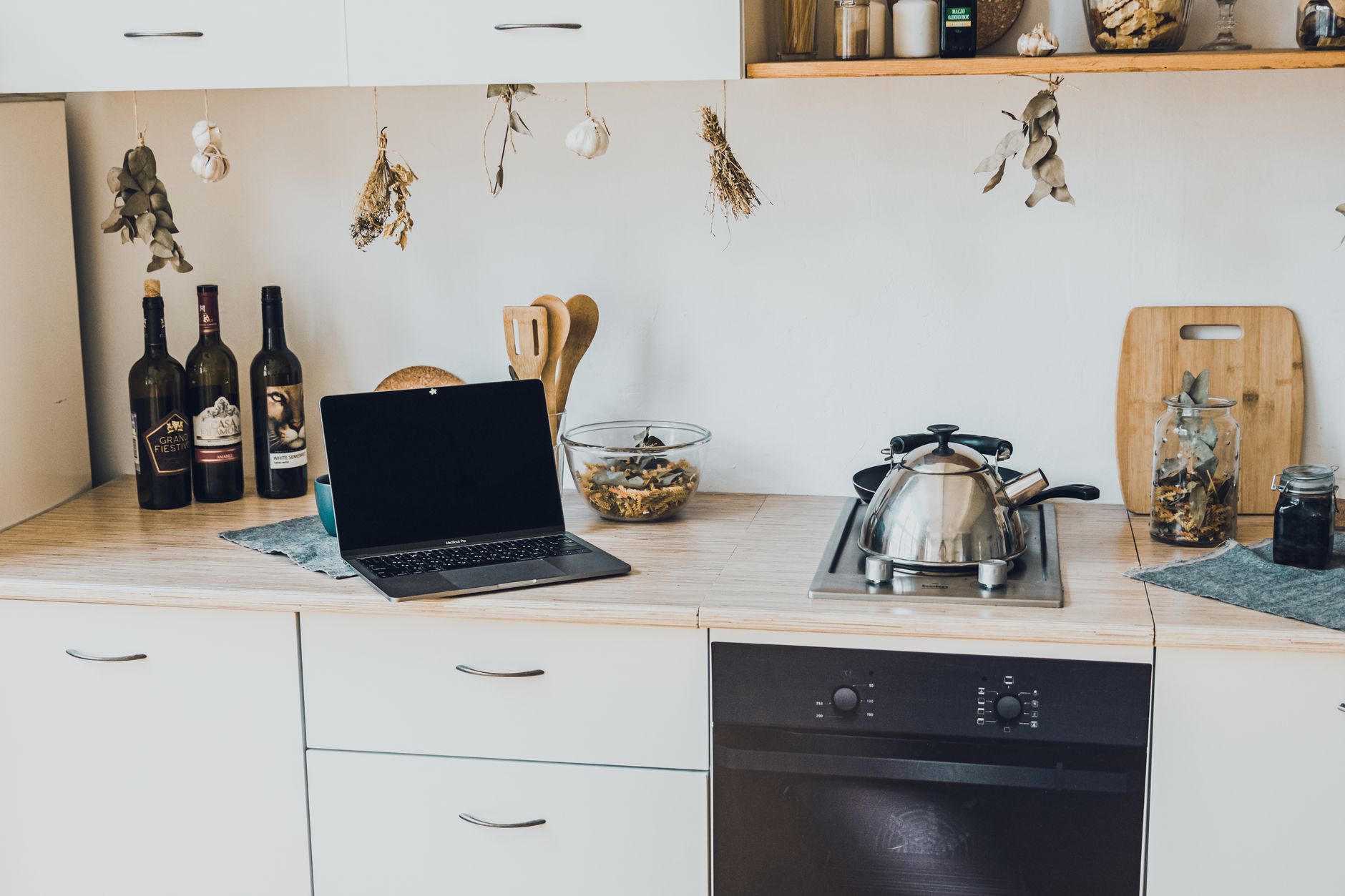
Adding smart features to a kitchen can feel like stepping into a futuristic showroom, yet the reality is often a series of modest upgrades that pay for themselves.
In the next few sections I break down the essential components, the realistic costs you’ll encounter in 2026, and the practical sequence that keeps the project on budget.
⚡ In a Rush? Key Takeaways
- Base hub installation averages $120‑$250, covering wiring and a compatible router.
- Smart faucet installations add $180‑$350, cutting water use by 15‑25%.
- Connected ovens use 0.8‑1.2 kWh per bake, roughly $0.10‑$0.15 per cycle.
- Full starter kits (hub, faucet, lighting, and appliance plug‑ins) cost $650‑$1,100 for a 2,000 sq ft kitchen.
- ✅ Verdict: Begin with a central hub and smart lighting; they give the biggest convenience boost for the lowest upfront cost.
How Do I Choose the Right Smart Kitchen Hub?
A hub costs $120‑$250 and links lights, appliances, and voice assistants, forming the brain of any smart kitchen.
Most hubs fall into two camps: dedicated wall‑mounted panels and plug‑in hubs that work through a Wi‑Fi router. The former offers a single tactile interface, while the latter leverages existing home networks.
What Are the Core Features I Should Look For?
Look for multi‑protocol support (Zigbee, Thread, Matter), local control, and a simple app for iOS and Android.
- Multi‑protocol ensures future‑proofing as new devices appear.
- Local control keeps your kitchen responsive even if the internet drops.
- An intuitive app reduces the learning curve for every household member.
How Much Does Professional Installation Add?
Professional wiring and mounting typically adds $80‑$150 per hub, depending on kitchen layout.
If you’re comfortable with a screwdriver, many hubs are designed for DIY installation. A short video tutorial from the manufacturer often suffices for a wall‑mounted panel.
Which Hub Pairs Best With Existing Voice Assistants?
Most hubs integrate smoothly with Alexa, Google Assistant, and Siri, but verify Matter support for the smoothest cross‑platform experience.
For a home already using Alexa, a hub that advertises “Alexa Built‑In” reduces the number of required devices and keeps your setup tidy. Considering a hub that supports multiple assistant ecosystems is wise if you anticipate changing your primary voice assistant in the future.
How Can I Upgrade Lighting Without Re‑wiring the Whole Kitchen?
Smart LED bulbs cost $12‑$30 each and reduce lighting energy by 40‑60% compared to traditional incandescent fixtures.
Lighting is the low‑hanging fruit that instantly feels modern and saves money. It offers a palpable upgrade in ambiance and functionality with minimal effort.
What Types of Smart Lighting Offer the Best Value?
Color‑temperature adjustable bulbs provide both ambience and task lighting, priced $15‑$25 per unit.
- Standard 60‑W equivalent bulbs replace existing fixtures at a low cost.
- Under‑cabinet strips add functional illumination for prep work.
- Motion‑sensor LED strips can automatically dim when the kitchen is empty, saving energy and providing convenience.
- Smart switches can control entire circuits, allowing you to dim or group multiple fixtures with a single command.
How Do I Integrate Lighting With a Hub?
Most smart bulbs pair via Bluetooth or Wi‑Fi, but Zigbee or Thread bulbs require a hub for smooth automation.
Once paired, create scenes such as “Cooking” (bright, cool‑white) and “Evening” (warm, dimmed) that you can trigger with a voice command or a single tap. This level of control allows you to tailor the kitchen’s atmosphere to any activity, from detailed meal preparation to relaxed dining.
What Are the Ongoing Energy Savings?
A typical kitchen with ten smart LEDs saves about 150 kWh per year, equating to $20‑$30 in electricity costs.
| Setup | Annual kWh Savings | Annual $ Savings (US avg 0.13/kWh) |
|---|---|---|
| 10× 10W LED bulbs (replacing 60W incandescents) | 150 | ≈$20 |
| Under‑cabinet motion sensors (5 units) | 30 | ≈$4 |
| Smart switch for overhead lighting (1) | 75 | ≈$10 |
How Do I Add Smart Controls to Appliances Without Replacing Them?
Smart plugs cost $15‑$35 and add remote on/off, scheduling, and energy monitoring to existing appliances.
For many homeowners the greatest payoff comes from making what they already own a little smarter. These simple devices unlock a new level of control and efficiency without the significant cost of entirely new appliances.
Which Appliances Benefit Most From Smart Plugs?
Coffee makers, slow cookers, and countertop ovens see the biggest convenience and energy gains.
- A coffee maker on a timer prevents wasteful standby heating, and ensures your coffee is ready when you wake up.
- Slow cookers can start automatically for dinner prep, allowing you to start cooking from work or on your way home.
- Countertop ovens gain remote pre‑heat functions, shaving off valuable minutes when you’re ready to cook.
- Toasters and blenders can be scheduled for morning routines, adding a touch of automation to even the simplest tasks.
How Do I Use Energy Monitoring Features?
Energy monitors report power use in real time, letting you spot spikes and adjust schedules.
Typically, the companion app shows a daily breakdown; you’ll notice that a dishwasher’s pre‑wash cycle consumes roughly 0.4 kWh, translating to $0.05 per cycle. This granular data empowers you to identify phantom loads and optimize your usage patterns.
What Is the Payback Period for Smart Plugs?
Payback ranges from 6‑12 months for high‑usage devices, especially those left on standby.
Example: a $30 smart plug controlling a 60‑W kettle left on 2 hours per day saves about 44 kWh annually, or $6. At $30 cost, the payback is five years—still worthwhile for convenience. Compare this to a smart plug that controls an appliance that is truly ‘off’ when not in use, and the payback for energy savings alone can be much longer, making convenience the primary driver.
How Do I Integrate Smart Faucets and Appliances for Maximum Efficiency?
Smart faucets cost $180‑$350 and reduce water use by up to 25 % while offering temperature presets.
Water‑saving devices complement energy‑saving measures, creating a holistic efficiency strategy for your kitchen. These sophisticated additions can significantly impact both your utility bills and your environmental footprint.
What Features Distinguish a Smart Faucet?
Touch‑less activation, preset temperatures, and flow‑rate monitoring are the core features.
- Touch‑less sensors reduce water waste by 10‑15 %, ensuring water only flows when you need it.
- Preset 150 °F for coffee or 120 °F for tea eliminates trial and error, saving water and energy by not running the tap unnecessarily.
- Flow monitoring alerts you to leaks or drips beyond normal use, preventing water wastage and potential damage.
- Integrated scales can measure precise water amounts for recipes, enhancing cooking accuracy and reducing waste.
How Much Water Can I Expect to Save?
A typical 9‑minute shower uses 45 gallons; a smart faucet can shave 5‑7 gallons per day.
Over a year, that equates to roughly 1,800 gallons, or about $180‑$240 in water bills for US average rates. Hand-washing dishes, which many people do even with a dishwasher, can easily double this daily usage, making the smart faucet’s conservation even more impactful.
Can I Connect the Faucet to My Hub?
Most high‑end smart faucets use Wi‑Fi or Thread and appear as a controllable device in the hub’s app.
Once linked, you can create a “Morning Prep” scene that turns on the faucet, lights, and coffee maker with a single command. This level of integration means your entire kitchen can adapt to your routine, saving time and resources.
What About Connected Ovens and Refrigerators?
Smart ovens ($600+) offer remote preheating and cooking modes, while smart refrigerators ($1,500+) provide inventory management and diagnostics.
While these are a significant investment, the convenience and potential for energy savings are considerable for households that cook frequently or struggle with food waste.
How Do Connected Ovens Contribute to Efficiency?
Remote preheating means the oven is ready the moment you are, preventing wasted energy from idle heating time.
Many smart ovens also feature advanced cooking modes that can optimize time and temperature for specific dishes, reducing the likelihood of overcooking and thus saving energy. For instance, a convection roast setting might use less energy than a traditional bake for certain items. They also often provide more accurate temperature control, ensuring consistent results and reducing the need to re-try a dish.
What Are the Benefits of a Smart Refrigerator?
Smart refrigerators can track inventory, suggest recipes based on what you have, and monitor appliance health.
This helps reduce food waste by alerting you to items nearing their expiration date, a major contributor to household expenses and environmental impact. Some models offer external cameras, allowing you to check contents while at the grocery store, preventing duplicate purchases. Diagnostics also alert you to potential issues, allowing for timely repairs that can prevent spoilage and maintain energy efficiency.
Are These Large Investments Worth the Cost?
For dedicated home cooks, the efficiency and convenience of smart ovens can justify the cost; for others, smart plugs are a more sensible starting point.
Smart refrigerators offer significant value in combating food waste, but their high price point means they are a longer-term investment. It’s essential to weigh the potential savings and daily utility against the upfront expenditure to determine if these larger smart appliances are the right fit for your budget and lifestyle.
Frequently Asked Questions
-
How Much Does a Full Smart Kitchen Upgrade Typically Cost?
A starter kit with hub, lighting, plugs, and a smart faucet runs $650‑$1,100 for a 2,000 sq ft kitchen.
-
Do Smart Kitchens Really Reduce My Monthly Bills?
Combined lighting and water savings average $30‑$50 per month, with additional convenience value.
-
Can I Install Everything Without a Professional?
Most components—hub, bulbs, plugs, and faucets—are DIY‑friendly; only a dedicated wall‑mounted hub may need a licensed electrician.
-
Is Matter Needed for Future Compatibility?
Matter ensures devices from different brands communicate reliably, making it a wise long‑term choice.
-
How Do I Prioritise Which Feature to Add First?
Start with a hub and smart lighting; they cost the least and lay the groundwork for future expansions.
— Greta Michaud, Home Appliance Efficiency Researcher