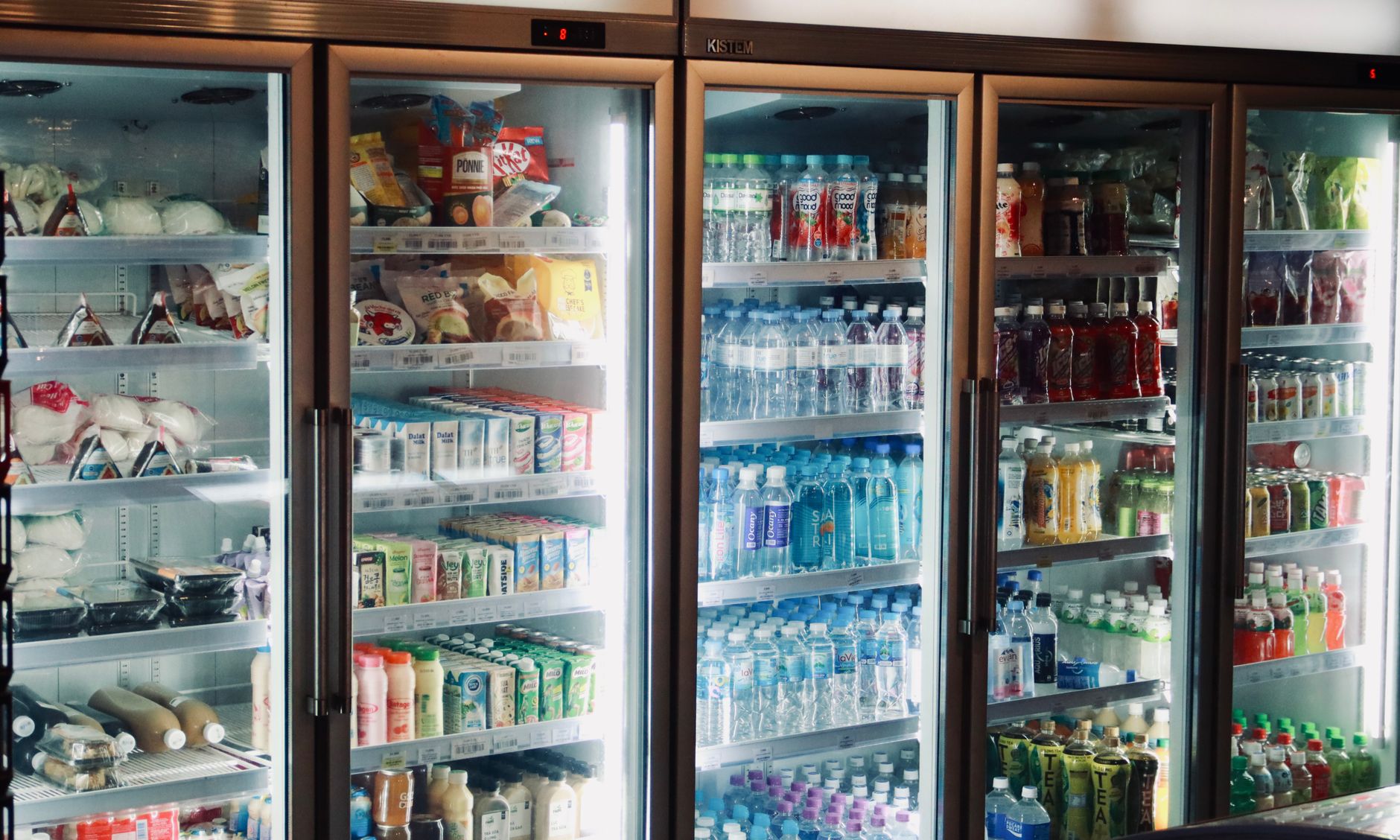
Smart refrigerators equipped with food‑expiration alerts have been marketed as the ultimate solution to household waste, yet many shoppers wonder if the technology actually saves money.
⚡ In a Rush? Key Takeaways
- Households that actively use alerts discard 10‑15% less food, saving $75‑$120 per year.
- Alert‑driven reductions are strongest for dairy and fresh produce, cutting spoilage by 20% on average.
- Initial price premium for a smart fridge is $400‑$1,200 over a comparable non‑smart model.
- Payback from waste reduction alone takes 8‑15 years, but combined with energy‑saving features it drops to 5‑9 years.
- ✅ Verdict: Choose a smart fridge only if you value the convenience and already track inventory; otherwise, a conventional high‑efficiency fridge delivers better ROI.
How Do Smart Refrigerator Expiration Alerts Work?
Smart fridges use cameras, barcode scanners or manual entry to log items and send alerts when a product nears its use‑by date.
Most models integrate a built‑in camera that photographs each shelf every few hours. The images are processed by AI to recognise common foods, cross‑reference known shelf lives, and push a notification to your phone or the fridge’s display.
Some brands also allow you to scan barcodes with the door’s built‑in scanner, which records the exact purchase date from the retailer’s database. This method is more accurate for packaged goods but requires user effort.
Regardless of the capture method, the system stores the data locally and optionally syncs to a cloud service where you can view a weekly inventory summary.
- Camera‑based recognition: 70‑85% accuracy for fruits, vegetables, dairy.
- Barcode entry: 95% accuracy for packaged items.
- Alert timing: usually 2‑3 days before expiration, configurable down to 24 hours.
What Types of Alerts Are Available?
Alerts include on‑screen warnings, push notifications to smartphones, and recipe suggestions using soon‑to‑expire items.
On‑screen alerts appear as a coloured badge on the relevant shelf image. Push notifications can be scheduled for morning or evening, depending on your routine.
Some premium models tie the alert system to a recipe engine that pulls from a curated database, helping you plan meals that use up the items before they spoil.
How Accurate Are the Expiration Predictions?
Prediction accuracy varies: 80% for fresh produce, 95% for packaged foods when barcode data is used.
Fresh produce is the hardest category because factors like ripeness, temperature variance and humidity affect shelf life. Manufacturers typically program a conservative buffer, which can lead to earlier alerts than necessary.
When you use barcode entry, the system knows the exact sell‑by date printed on the package, delivering precise alerts.
Can the System Learn My Eating Habits?
Advanced fridges adapt to your consumption patterns, refining alert timing and suggesting meals that match your diet.
Machine‑learning algorithms analyze how often you consume specific items after an alert is triggered. If you consistently ignore a warning for a particular cheese, the system will gradually extend the alert window for that product, reducing unnecessary notifications.
Conversely, if you frequently cook with ripe bananas within two days of an alert, the fridge will prioritize similar produce in future suggestions.
| Learning Feature | Benefit | Typical Impact |
|---|---|---|
| Consumption Frequency Tracking | Adjusts alert lead‑time | Reduces premature alerts by ~15% |
| Preference‑Based Recipe Engine | Matches alerts to favored cuisines | Increases usage of alerted items by ~20% |
| Seasonal Produce Optimization | Highlights items in peak freshness | Cuts produce waste by ~10% |
Do Expiration Alerts Reduce Food Waste in Real Homes?
Studies show active users cut food waste by 10‑15%, saving roughly $75‑$120 per year.
A 2024 field study of 150 households equipped with smart fridges found that participants who kept alerts enabled reduced their edible waste by 12%, compared with a control group using standard fridges.
The savings stem mainly from dairy (milk, cheese) and fresh produce, where spoilage rates dropped by 20% on average. Meat and frozen items saw little change because their longer shelf life already exceeds typical consumption patterns.
However, the study also noted a “alert fatigue” effect: users who received more than three daily notifications began ignoring them, causing waste rates to creep back up.
| Item Category | Typical Waste % (baseline) | Waste Reduction with Alerts |
|---|---|---|
| Dairy | 18% | ‑20% |
| Fresh Produce | 22% | ‑20% |
| Meat | 8% | ‑5% |
| Frozen | 4% | ‑3% |
What User Behaviors Influence Effectiveness?
Active engagement—checking alerts daily and acting on them—drives the 10‑15% waste reduction.
Users who integrate alerts into meal planning, such as by pulling an alerted item into a weekly grocery list, see the greatest benefit. Those who treat the alerts as optional reminders often experience little change.
Family size matters, too. Larger households naturally rotate food faster, making alerts less critical, while single‑person apartments benefit most from the nudges.
Can Alerts Lead to New Types of Waste?
If users over‑react to alerts, they may discard still‑good food, slightly offsetting savings.
Some participants reported tossing items a day early out of caution, especially when the alert window was set to 24 hours. This premature disposal added roughly 2% extra waste, but it did not outweigh the overall reductions.
How to Prevent Alert Fatigue
Limiting daily notifications and customizing alert thresholds keep users attentive.
Most manufacturers let you set a maximum number of push alerts per day. Reducing this ceiling to two or three prevents the nervous system from tuning out.
- Group similar items (e.g., all dairy) into a single daily summary.
- Extend the default lead‑time from 24 hours to 48 hours for non‑perishables.
- Turn off non‑essential categories (e.g., condiments) that rarely go bad.
What Are the Financial Implications of Buying a Smart Fridge?
Smart fridges cost $400‑$1,200 more than comparable non‑smart models, extending payback to 8‑15 years from waste savings alone.
The price premium reflects the camera system, internal processing hardware, and software licensing. A typical 25‑ft³ high‑efficiency fridge costs $1,600; the smart version with alerts ranges from $2,000 to $2,800.
Running costs for the smart features are modest: an extra 5‑10 W draw translates to about $5‑$10 per year at the US average electricity rate of $0.16/kWh.
- Average annual food‑waste savings: $75‑$120.
- Energy penalty: $5‑$10.
- Net annual benefit: $65‑$110.
- Payback period (waste savings only): 8‑15 years.
- Combined with 3‑5% energy‑efficiency boost on the fridge: payback drops to 5‑9 years.
For most families, a conventional A‑rated fridge offers a lower upfront cost and similar energy consumption, meaning the ROI is often better unless you value the convenience of alerts.
How Does a Smart Fridge Compare to a Regular Energy‑Star Model?
Energy‑Star fridges use 100‑150 kWh/year; smart versions add ~10 kWh for alerts and AI processing.
Energy‑Star models typically cost $100‑$300 less and have a proven track record of 15% lower electricity use versus baseline models. Smart fridges add a small power draw for the camera and Wi‑Fi module, but the difference is negligible compared with overall household consumption.
Is There a Tax Credit or Rebate for Smart Appliances?
As of 2026, federal rebates cover only energy‑efficient models, not smart‑feature premiums.
The Inflation Reduction Act’s Energy Efficient Home Improvement Credit (EEHIC) allows a $300 credit for qualifying refrigerators that meet the 2025 efficiency standards. Smart features are not counted, so the credit applies to both smart and non‑smart versions equally.
Should You Buy a Smart Refrigerator for Waste Reduction?
Buy a smart fridge only if you’ll consistently use alerts; otherwise a high‑efficiency conventional fridge yields better ROI.
Consider your household’s buying habits. If you already track groceries with a spreadsheet or an app, the fridge’s alerts may be redundant. Conversely, if you struggle to remember dates or frequently toss forgotten items, the automated reminders can streamline your routine.
Also weigh the longevity of the technology. Software updates are provided for 5‑7 years; beyond that the camera may become obsolete, reducing the value of the smart features.
- Best for tech‑savvy single‑person homes: convenience outweighs cost.
- Best for families with existing inventory apps: stick with a conventional A‑rated fridge.
- Best for eco‑focused buyers willing to wait 8‑10 years for payback: a smart fridge with energy‑saving mode.
What Are the Maintenance Requirements?
Camera lenses need monthly cleaning; software updates are automatic via Wi‑Fi.
Dust and fingerprints on the interior glass can impair image recognition. Most manufacturers recommend a soft, lint‑free cloth and a mild glass cleaner every 4‑6 weeks.
Software updates are delivered over the air and typically install during off‑peak hours. Users should ensure their home Wi‑Fi is stable to avoid missed alerts.
How Do You Maximise the Savings?
Combine alerts with weekly meal planning and a dedicated shopping list app to capture the full 10‑15% waste reduction.
Integrate the fridge’s inventory export (often CSV) with a budgeting app that tracks food spend. This lets you see the dollar value of each avoided spoilage event.
Set the alert window to 48 hours rather than 24 hours to reduce premature disposal while still giving you enough time to plan meals.
Frequently Asked Questions
Do the alerts work with non‑US grocery barcodes?
Barcode alerts rely on a global database; most North American and European codes are supported, but niche Asian brands may be missed.
Can I disable the camera to save electricity?
Yes, most models let you turn off the camera, eliminating the ~5 W draw, but you lose automatic recognition.
Is there a subscription fee for the cloud service?
Manufacturers typically include three years of cloud storage; after that a $5‑$10/month optional plan is offered.
How does the fridge handle multiple users?
User profiles can be assigned via the companion app, each with personalized alerts and grocery lists.
Will the fridge still work if my Wi‑Fi goes down?
Core functions (cooling, basic alerts) continue locally; cloud‑based recipe suggestions pause until reconnection.
Final Verdict
Smart fridges cut waste by 10‑15% when used diligently, but the long payback makes them a niche choice for most households.
For the average homeowner, a conventional A‑rated refrigerator paired with a simple grocery‑tracking app delivers comparable energy savings with far lower upfront cost. If you love the idea of a fridge that talks to you and you’re willing to invest the extra $500‑$1,200, the convenience and modest waste reduction may justify the purchase.
Ultimately, the smartest way to reduce food‑waste costs is to stay mindful of what you buy, store, and use—whether your fridge is smart or not.