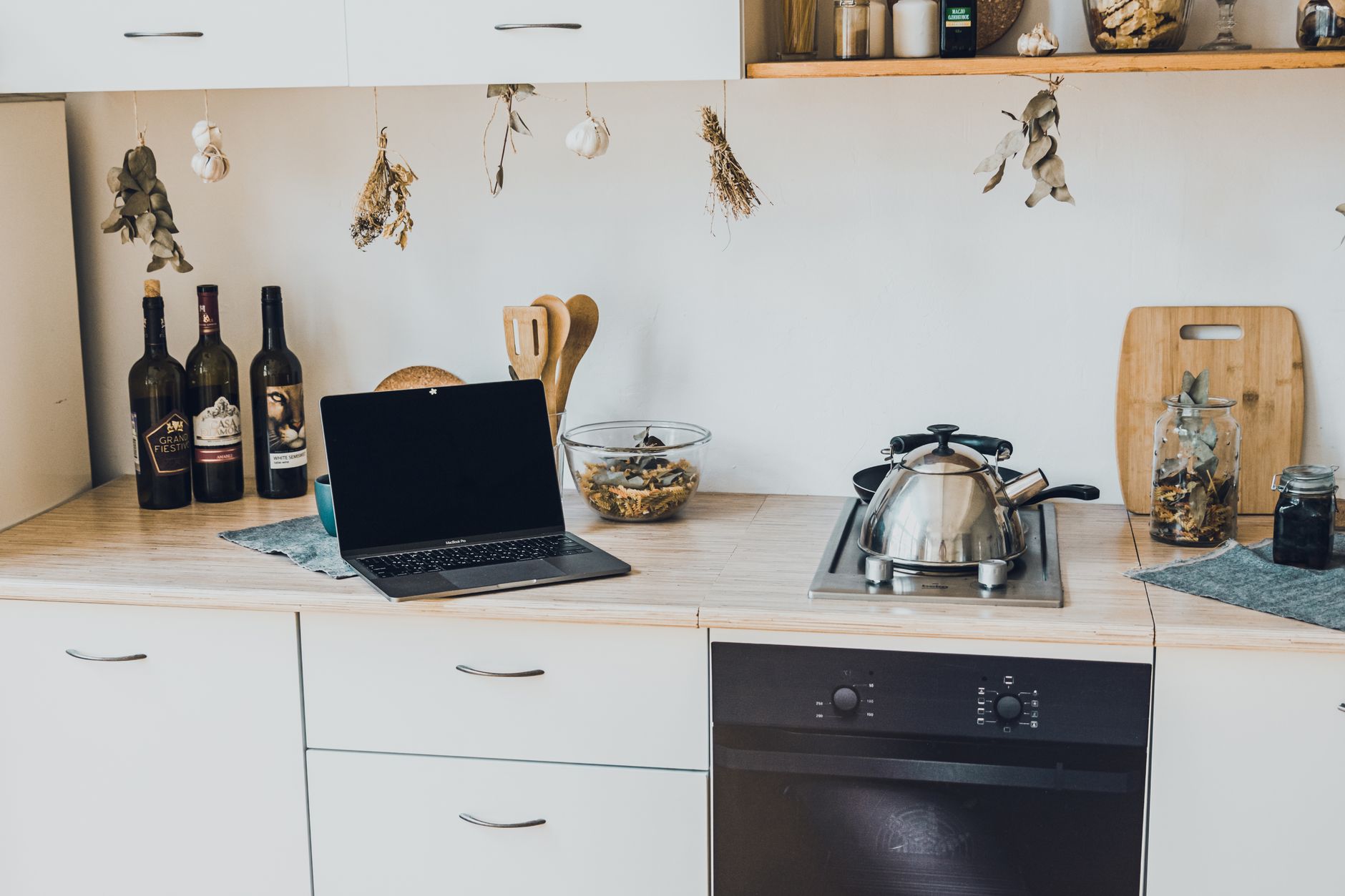
Smart kitchen technology promises convenience, but most homeowners stumble on wiring, device choice and hidden running costs. This guide walks you through a practical, cost‑focused plan from initial assessment to final hookup.
⚡ In a Rush? Key Takeaways
- Typical smart kitchen starter kits cost $200‑$450 for hub, sensors and basic appliances.
- Installing a dedicated 120 V/15 A smart plug circuit adds $150‑$300 in materials and labor.
- LED smart lighting saves 40‑60 % energy versus incandescent; $30‑$70 annual saving.
- Smart fridge energy use rises 5‑10 % if Wi‑Fi is always on; a timer can cut that to baseline.
- ✅ Verdict: Begin with a hub, smart plugs and LED lighting – the highest ROI for under $500.
How Do I Assess My Kitchen’s Readiness for Smart Features?
Assess wiring, Wi‑Fi strength and appliance compatibility before buying any smart device to avoid costly retrofits.
Start by checking your existing electrical panel. A modern kitchen usually has multiple 20 A circuits for high‑draw appliances, but smart plugs and hubs need only a standard 15 A line.
Next, test your Wi‑Fi signal at the countertop and pantry. Use a phone app to measure strength; aim for at least –65 dBm for reliable connections.
Finally, inventory current appliances. Note which already have built‑in Wi‑Fi (e.g., some refrigerators) and which will need external adapters.
- Check circuit breaker labels for dedicated circuits.
- Use a Wi‑Fi analyzer app to map signal strength.
- Make a spreadsheet of appliance make, model and connectivity.
What Wiring Adjustments Might Be Required?
A dedicated 120 V/15 A smart‑plug circuit costs $150‑$300, while adding a 240 V line for an induction cooktop adds $800‑$1,200.
If you plan to add multiple smart plugs, installing a single dedicated circuit simplifies load management and improves safety.
Hiring a licensed electrician for a new circuit typically runs $75‑$120 per hour plus parts. For a basic smart‑plug line, most jobs finish in under two hours.
| Task | Estimated Cost (US) | Time Required |
|---|---|---|
| Dedicated 15 A smart‑plug circuit | $150‑$300 | 1‑2 hrs |
| 240 V line for induction cooktop | $800‑$1,200 | 4‑6 hrs |
| Upgrade panel for extra circuits | $500‑$900 | 3‑4 hrs |
For most starter setups, a new 15 A circuit is sufficient and keeps the overall project under $500.
How Strong Must My Wi‑Fi Be for Reliable Operation?
A signal of –65 dBm or better at the device location ensures stable connections for most smart kitchen products.
If your router is in another room, consider a mesh node or powerline adapter. These cost $100‑$180 and boost signal without running new Ethernet.
Running Ethernet directly to fixed devices like a smart fridge eliminates Wi‑Fi latency and provides the most reliable link, but adds $50‑$100 per run for cabling and connectors.
- Mesh node: $100‑$180 per unit.
- Powerline adapter kit: $80‑$130.
- Ethernet run per 100 ft: $50‑$100.
Which Smart Kitchen Devices Offer the Best Return on Investment?
Smart plugs, LED bulbs and voice‑controlled faucets deliver the highest ROI, typically paying for themselves within 12‑24 months.
Below is a tiered list of devices, ranked by upfront cost, annual energy savings and convenience boost. Prices reflect 2026 US market averages.
What Are the Core Devices Every Beginner Should Install?
A hub, two smart plugs, and a set of Wi‑Fi LED bulbs cost $200‑$350 total and cut lighting energy by up to 60 %.
1. **Smart Hub** – centralises control; $70‑$120.
2. **Smart Plugs** – automates existing appliances; $20‑$35 each.
3. **Wi‑Fi LED Bulbs** – dimmable, colour‑tunable; $12‑$20 each.
These three categories cover 70‑80 % of daily smart‑kitchen interactions, from turning on a coffee maker on schedule to dimming lights for dinner.
- Hub (e.g., Amazon Echo, Google Nest): $70‑$120.
- Smart plug (single): $20‑$35.
- LED smart bulb (pack of 4): $45‑$80.
How Do Smart Appliances Compare to Their Traditional Counterparts?
Smart refrigerators use 5‑10 % more electricity, but their diagnostic alerts can reduce repair costs by $30‑$50 annually.
Smart ovens add $150‑$300 to purchase price and consume 3‑5 % more electricity due to Wi‑Fi modules, yet they can save 10‑15 % cooking time, which translates to $20‑$35 in energy savings per year.
| Appliance | Base Price | Smart Add‑On Cost | Annual Energy Impact |
|---|---|---|---|
| Refrigerator | $1,200‑$1,800 | +$150‑$250 | +5‑10 % |
| Oven | $900‑$1,500 | +$150‑$300 | +3‑5 % |
| Dishwasher | $500‑$900 | +$100‑$180 | +2‑4 % |
For most budgets, focusing on peripheral devices (plugs, lights, sensors) yields faster payback than upgrading to fully smart appliances.
Can Water‑Saving Smart Fixtures Reduce My Bills?
Smart faucet aerators cut water flow by 30 % and reduce hot‑water energy use by $15‑$25 per year.
A smart leak‑detect sensor placed under the sink costs $30‑$45 and can prevent water losses exceeding 1,000 gallons annually, translating to $120‑$180 saved.
- Smart faucet aerator: $25‑$40 each.
- Leak sensor with app alerts: $30‑$45.
- Estimated annual water savings: 1,000‑1,500 gal.
How Do I Calculate the Ongoing Running Costs of a Smart Kitchen?
A typical starter smart kitchen uses 35‑45 kWh per year, costing $4‑$6 at the 2026 US average rate of $0.14/kWh.
Use the Appliance Cost Calculator to input device wattage, daily usage and your local rate. Below is a sample calculation for a common starter setup.
What Is the Energy Impact of Smart Plugs and LED Bulbs?
Two smart plugs and four LED bulbs together draw about 7 W idle and 12 W when active, totaling roughly 35 kWh annually.
Assuming each plug controls a coffee maker (0.9 kW) for 15 minutes each morning and lights run 4 hours each evening, the annual energy use breaks down as follows:
- Smart plugs: 0.9 kW × 0.25 h × 365 = 82 kWh (but only 5 % of that is idle draw).
- LED bulbs: 12 W × 4 h × 365 = 17.5 kWh.
At $0.14/kWh, the total cost is about $13‑$15 per year.
How Much Does a Smart Refrigerator Add to My Electric Bill?
An A‑rated smart fridge draws 120 kWh/year; the Wi‑Fi module adds roughly 8 kWh, increasing cost by $1.12 annually.
Compare that to a non‑smart model at 110 kWh/year. The difference is negligible, but the smart model offers diagnostic alerts that can prevent a $150 repair.
- Smart fridge: 128 kWh/year.
- Standard fridge: 110 kWh/year.
- Extra cost: $1.12/year (plus potential repair savings).
What Are the Maintenance Costs for Smart Kitchen Devices?
Firmware updates are free; occasional battery replacement for sensors costs $5‑$10 per device every 2‑3 years.
Smart sensors (temperature, leak, door) typically use CR2032 batteries lasting 2‑4 years. Replacing them costs $2‑$4 each.
Most hubs receive OTA updates at no charge, but a yearly subscription for advanced analytics (e.g., energy dashboards) may run $30‑$50 if you choose a premium plan.
- Battery replacement: $5‑$10 per sensor every 3 years.
- Premium hub subscription: $30‑$50/year (optional).
- Annual total maintenance: $10‑$20 typical.
What Steps Should I Follow to Install My First Smart Kitchen Features?
Follow a five‑step plan: assess, choose hub, install wiring, add devices, test and fine‑tune settings.
How Do I Choose the Right Hub for My Kitchen?
Select a hub that supports Zigbee, Z‑Wave and Wi‑Fi for maximum device compatibility and future growth.
Popular hubs cost $70‑$120 and can manage up to 100 devices. Verify that the hub offers a local‑control option to avoid reliance on cloud services.
- Zigbee + Z‑Wave support.
- Local processing capability.
- Expandable to 100+ devices.
How Do I Wire a Dedicated Smart‑Plug Circuit Safely?
Run 12‑AWG Romex from the panel to a new 15 A breaker, then install a duplex outlet with a built‑in smart‑plug module.
Turn off power at the breaker, pull the cable through the wall cavity, and attach black (hot), white (neutral) and bare (ground) wires to the outlet. Secure the breaker, restore power and test with a voltage tester.
If you are not comfortable with electrical work, hiring a licensed electrician is the safest route.
What Is the Best Way to Integrate Smart Lighting?
Replace existing fixtures with Wi‑Fi LED bulbs, then group them in the hub app for scenes like “Dinner” or “Prep”.
Start with under‑cabinet lighting – a strip of smart LEDs adds both ambience and task lighting while consuming less than 15 W total.
Program a schedule: lights on 30 minutes before dinner, dimmed to 40 % during cooking, and off at night.
- LED strip: $25‑$40 per 5‑ft length.
- Smart bulb (E27): $12‑$20 each.
- Average daily usage: 2‑3 hours.
FAQ
How Much Does a Basic Smart Kitchen Setup Cost?
A starter kit of hub, two smart plugs and four LED bulbs runs $200‑$350 total, plus $150‑$300 for any required wiring.
Can I Add Smart Features to an Existing Kitchen Without Major Renovation?
Yes – most devices plug into existing outlets and use Wi‑Fi; only a new circuit is needed for many smart plugs.
Do Smart Kitchen Devices Increase My Home Insurance?
Insurance premiums are rarely affected; however, documented leak‑sensor data can support a claim after water damage.
What Is the Typical Payback Period for Smart Lighting?
LED smart bulbs usually recoup their cost in 12‑18 months through energy savings versus incandescent equivalents.
Is a Hub Really Necessary?
A hub centralises control, improves reliability and enables Z‑Wave/Zigbee devices that lack native Wi‑Fi.
Conclusion
Begin with a hub, smart plugs and LED lighting; they deliver the quickest savings and lay a scalable foundation for future upgrades.
By assessing wiring, reinforcing Wi‑Fi, and calculating running costs with our tools, you can turn a conventional kitchen into an efficient, connected space without breaking the bank.
Remember to revisit the Home Maintenance Cost Estimator each year to track real‑world savings and adjust automations as your needs evolve.