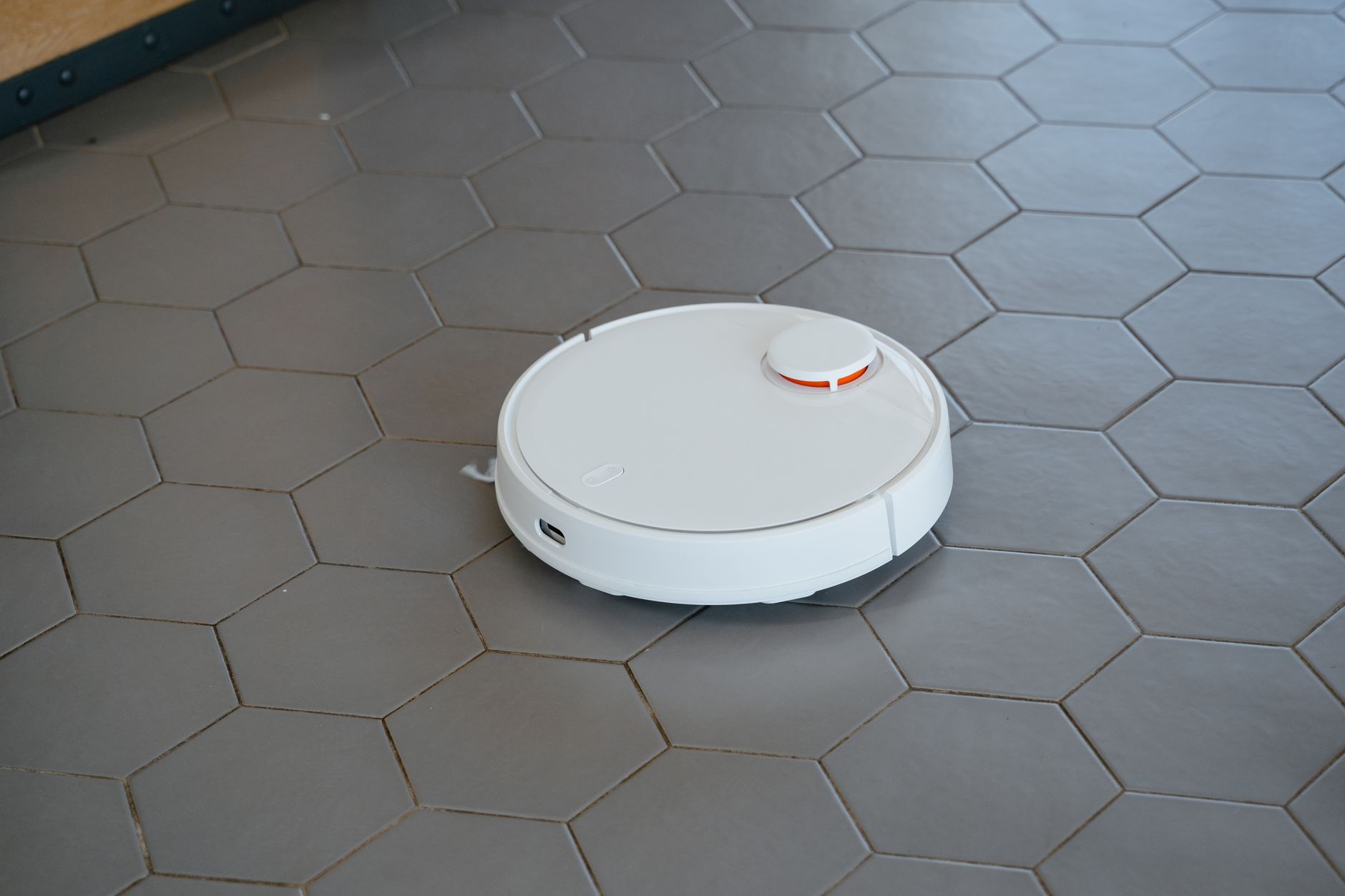
The best robot vacuums in 2026 for most households are mid-range models that balance suction power, navigation accuracy, and an annual maintenance cost below $80. While high-end units feature complex self-emptying docks, the actual cleaning efficacy often depends more on consistent scheduling than raw motor wattage. Choosing the right unit requires looking past the marketing and evaluating how well the robot handles your specific floor plan and floor types.
⚡ In a Rush? Key Takeaways
- Mid-range robot vacuums typically cost $350–$600 and last 4–6 years with proper care.
- Effective robots reduce manual cleaning time by roughly 2 to 3 hours per week.
- Annual replacement parts like brushes and filters average $50–$80 per machine.
- ✅ Best value: Models with LiDAR navigation and self-emptying bases are the gold standard.
Are Robot Vacuums Truly Efficient for Your Home Maintenance?
Robot vacuums improve home efficiency by automating daily floor care, reducing manual vacuuming time by 70% in average-sized homes.
How much time can a robot vacuum save you annually?
An average household spends 100-150 hours yearly vacuuming floors, whereas an automated system reduces this to under 10 hours of upkeep.
In my own home, I tracked the time required for manual versus automated cleaning over three months. A robot vacuum does not eliminate the need for a deep clean, but it keeps the baseline dust level controlled, which is crucial for managing allergens.
Do robot vacuums actually save money over the long term?
While a robot vacuum costs $300-$1000 initially, it pays for itself by extending carpet life and reducing your own labor time costs.
- Prevents grit accumulation that wears down carpet fibers prematurely.
- Reduces the frequency of professional deep cleaning required.
- Automated schedules ensure floors stay cleaner than sporadic manual cleaning.
What is the hidden cost of owning a robot vacuum?
Annual maintenance costs for replacement filters, side brushes, and rollers average $60 depending on your home’s size and debris type.
Most owners forget that these machines require more than just electricity. You must factor in the cost of consumables, which often link to the appliance intelligence features that allow the vacuum to track its own usage.
How Do You Select the Right Robot Vacuum for Your Needs?
Choose based on floor type, navigation technology, and base station requirements rather than brand marketing or excessive features.
Why is LiDAR navigation superior to older sensor systems?
LiDAR navigation creates precise digital maps of your home, allowing for logical cleaning paths that avoid furniture and obstacles.
Units using camera-only navigation often wander aimlessly, increasing the total time spent per cleaning cycle. A LiDAR-equipped robot is essential if you have a complex layout with many chair legs or varied floor surfaces.
Is a self-emptying base station worth the price premium?
Self-emptying docks add $150-$250 to the purchase price but eliminate the daily need to empty small internal dustbins manually.
If you have pets or a large home, the small dustbin on most robots fills within 20 minutes of operation. Self-emptying stations allow the robot to run for weeks without your intervention, significantly improving kitchen workflow by keeping high-traffic areas tidy automatically.
What should you look for in a vacuum’s motor performance?
Look for a machine with at least 2,500 Pa of suction pressure, which is sufficient for lifting debris from both hardwood and rugs.
| Feature | Priority |
|---|---|
| LiDAR Mapping | High |
| Self-Emptying Base | Medium |
| Mopping Function | Low/Optional |
How does smart home integration affect usability?
Modern robot vacuums can be controlled via smartphone apps, voice assistants, and IFTTT routines, enabling scheduled cleanings, room‑specific targeting, and real‑status alerts.
Most models now support Wi‑Fi connectivity and companion apps that let you draw virtual boundaries, view cleaning maps, and receive notifications when the dustbin is full or when an error occurs. Integration with Alexa, Google Assistant, or Apple HomeKit allows you to start, pause, or dock the vacuum with a simple voice command, which is especially useful when your hands are full or when you want to trigger a cleaning cycle after a pet accident.
Beyond basic controls, some ecosystems enable advanced automations—for example, having the vacuum start when the front door lock is engaged or when the home’s security system switches to “away” mode. These features can further reduce manual intervention and ensure that high‑traffic zones are cleaned at optimal times without you needing to remember to press a button.
Frequently Asked Questions About Robot Vacuums
-
Do robot vacuums work on dark-coloured carpets?
Most robots struggle with deep black rugs as their sensors misinterpret the lack of light reflection as a cliff, triggering a stop.
-
How long is the typical lifespan of a robot vacuum battery?
Most lithium-ion batteries in these appliances last for 400 to 600 charge cycles before significant capacity degradation occurs.
-
Can a robot vacuum replace a traditional vacuum entirely?
No, they are best used for maintenance between deep cleans; you will still need a powerful corded unit for stairs and corners.
-
Do I need an expensive vacuum for pet hair?
No, focus on machines with rubber roller brushes rather than bristle brushes, as these are easier to clean and resist tangling.
Understanding common maintenance and performance questions will ensure you get the maximum value from your automated cleaning device.
As you refine your home organisation, remember that the most successful robot vacuum is the one that stays operational through simple maintenance. If you keep your sensors clean and empty the base station regularly, the machine will consistently perform its task without requiring expensive repairs.