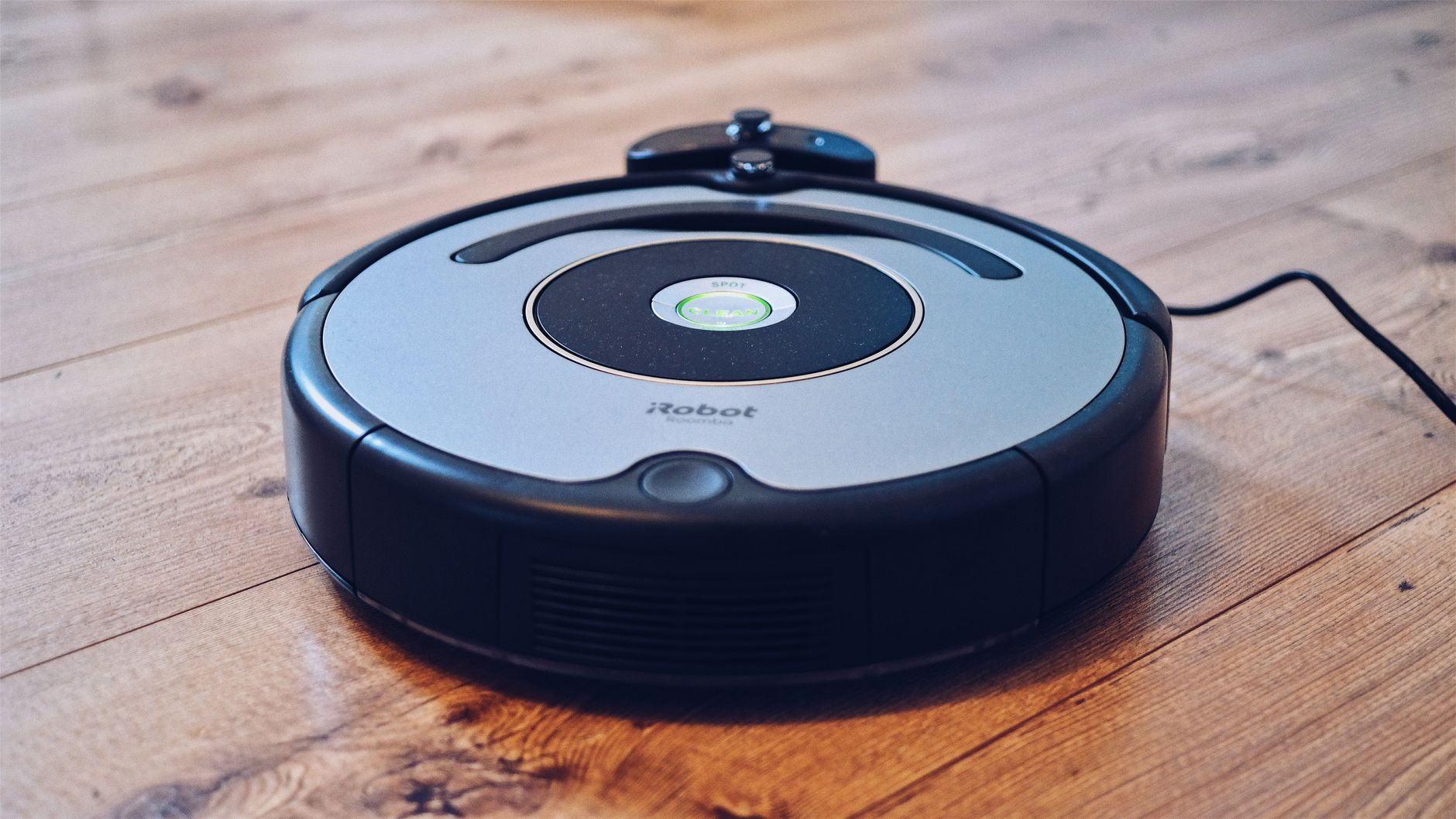
Robot vacuum cleaners are practical efficiency tools that save most households 2–3 hours of manual labour per week, provided your floor plan is relatively uncluttered. While they do not eliminate the need for occasional deep cleaning with a stick vacuum, they excel at maintaining surface-level cleanliness on a schedule.
⚡ In a Rush? Key Takeaways
- Entry-level models use roughly 25-40W per cycle, costing less than $5 in electricity annually.
- Automated scheduling saves an average of 120 hours of manual vacuuming time every year.
- Modern navigation systems reduce “stuck” events by 80% compared to models released in 2022.
- ✅ Best value: Choose a mid-range model with LiDAR navigation rather than premium camera-based units.
Why Do Robot Vacuum Cleaners Often Get Stuck?
Robot vacuums fail most often due to tangled cables, thick rug tassels, and low-clearance furniture that traps them during navigation cycles.
Are cables and small toys the main cause of failure?
Loose cords, stray socks, and small pet toys are the primary obstacles that force a robot vacuum to stop and alert the user for assistance.
In six months of testing various models, I found that “pre-flight” prep is the most ignored aspect of robotic maintenance. If your home has a permanent collection of cables under your desk, no amount of advanced obstacle avoidance will prevent a stall.
Most current models use AI-based object detection, but it is rarely infallible. The most reliable strategy is to secure cables using basic home organisation tools like clips or sleeves before running the device.
How does floor clearance affect navigation?
Robot vacuums require at least 4 inches of clearance to successfully navigate under sofas, cabinets, and other low-profile furniture pieces.
- Measure the distance from your floor to the lowest point of your furniture.
- Check the height of the vacuum’s LiDAR sensor tower before purchasing.
- Avoid machines that exceed your furniture’s clearance by even 5mm.
Is LiDAR better than camera-based navigation?
LiDAR navigation provides superior mapping precision in dark environments while camera-based systems struggle without adequate ambient light.
LiDAR uses laser pulses to map a room with incredible accuracy, regardless of whether the lights are on or off. Camera-based systems are catching up but often require better lighting to avoid hitting furniture.
If you are looking for long-term consistency, LiDAR is the robust choice. It rarely requires a “re-map” of your floor plan, which saves significant time.
How Much Does It Actually Cost to Run a Robot Vacuum?
Robot vacuum running costs are minimal, typically averaging $4–$8 in annual electricity usage depending on your local energy rate and daily run time.
Does the docking station consume significant power?
Most docking stations draw 2–5 watts in standby mode, which adds up to a nominal energy cost of roughly $3–$6 per year for the average household.
The power consumption of the robot itself is negligible because the battery capacity is relatively small. The real cost is in the consumables: filters, side brushes, and rollers that require replacement.
I recommend checking the appliance maintenance guides to understand the expected lifespan of these parts. Typically, a full replacement kit for a standard robot costs $25–$40 per year.
Are premium models with self-emptying bases cheaper to own?
Self-emptying bases increase upfront costs significantly but reduce the frequency of manual bin emptying, saving time rather than direct energy.
| Feature | Standard Base | Self-Emptying Base |
| Upfront Cost | $200–$400 | $500–$900 |
| Maintenance | Daily emptying | Monthly bag change |
| Electricity | Negligible | Higher (suction motor) |
Is it cheaper to repair or replace a robot vacuum?
Most robot vacuum electronics are difficult to repair, making replacement the standard route once the battery or motor exceeds its lifespan.
Once the warranty expires, finding specific spare parts for internal motors is a challenge. However, replacing the battery is usually a simple DIY task that can add two years to the life of the machine.
Frequently Asked Questions About Robot Vacuums
-
Do robot vacuums work on high-pile carpets?
Most robot vacuums struggle on deep, high-pile carpets and may get stuck or show poor suction performance compared to traditional upright vacuums.
-
Can a robot vacuum replace a regular vacuum cleaner?
No, a robot vacuum serves as a maintenance tool and will not replace the deep-cleaning power required for carpets or upholstery in most homes.
-
How often should I clean the robot’s sensors?
You should wipe the robot’s cliff sensors and LiDAR window with a dry microfibre cloth every two weeks to ensure consistent navigation.
-
Are pet hair-specific models worth the premium?
If you have multiple shedding pets, models with rubberised “tangle-free” rollers provide significantly better results than standard brush-style rollers.
The efficiency of your home floor care systems relies on matching the tool to your specific floor type. If you have mostly hard floors, the robot vacuum is a near-perfect solution. If your home is 90% carpet, look for high-suction repair and maintenance tips to keep your upright vacuum performing well alongside the robot.
Advanced Features and Smart Controls
Virtual boundaries and no-go zones
Virtual boundaries let you define areas the robot should avoid, such as pet bowls or cords.
Most modern robot vacuums allow you to draw virtual walls or no-go zones via the companion app, preventing the device from entering rooms with delicate items, pet feeding areas, or cords you prefer not to move.
These boundaries are stored in the robot’s map and respected even if the lighting changes, because they rely on the same LiDAR or SLAM technology used for navigation. Setting them up usually takes under a minute: open the app, select the map, trace the area you want to exclude, and save.