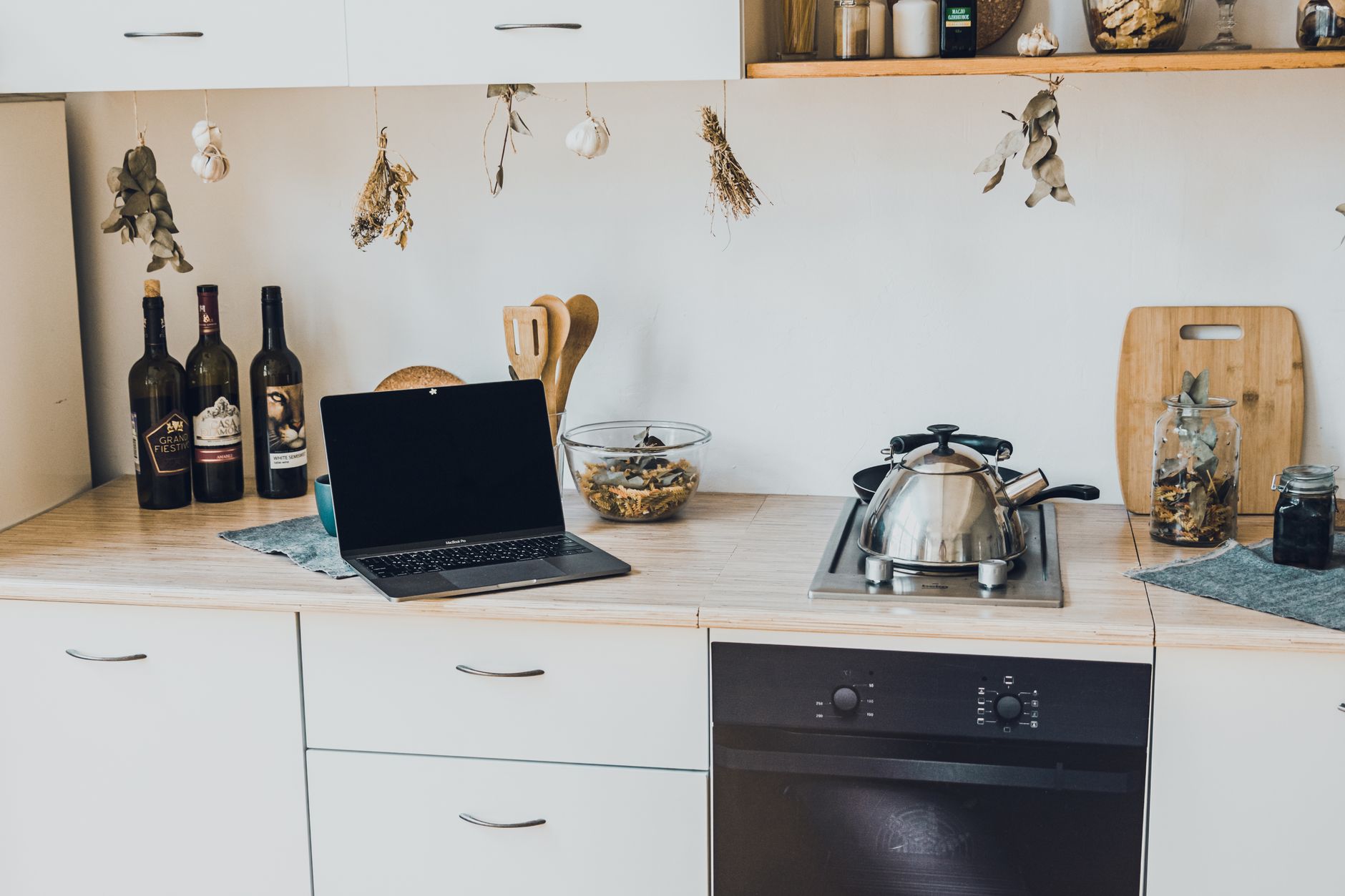
Smart kitchen technology promises convenience, reduced waste and smarter energy use, but the first steps can feel overwhelming.
In the next sections I break down exactly what you need to consider, how much each element costs, and how to integrate them without breaking the bank.
⚡ In a Rush? Key Takeaways
- Typical smart kitchen starter kits cost $500‑$1,200, covering hub, sensors and three appliances.
- Wi‑Fi enabled lights use 0.9 kWh/month, saving $1‑$2 on the electric bill versus traditional bulbs.
- Smart faucets reduce water flow by 30 %, cutting annual water bills by about $12‑$18.
- Integrating a smart fridge can lower energy use by up to 15 % – roughly $30‑$45 per year.
- ✅ Recommendation: begin with a hub and lighting, then add water‑saving fixtures before upgrading major appliances.
How Do I Choose the Right Smart Kitchen Hub for My Home?
A reliable hub costs $80‑$150, supports Wi‑Fi, Zigbee and Matter, and centralises control of lights, sensors and appliances.
Start by listing the connectivity standards your existing devices use. Most 2026 smart lights and plugs rely on Zigbee or Matter, while newer refrigerators speak Wi‑Fi directly.
Compatibility is the single biggest factor; a hub that only supports Zigbee will leave you unable to control a Wi‑Fi‑only smart oven.
- Check for Matter support – the new universal standard simplifies future upgrades.
- Look for an intuitive app; a cluttered interface adds hidden time costs.
- Consider voice‑assistant integration if you already use Alexa or Google Assistant.
For a budget‑friendly option, the home‑automation hub comparison tool outlines models under $100 that still meet the 2026 standards.
What Installation Steps Are Required for a Hub?
Place the hub centrally, plug into power, connect to Wi‑Fi, then add devices via the companion app – usually under 15 minutes per device.
Mount the hub on a shelf near your router; a strong Wi‑Fi signal avoids dropped connections.
Power it up, follow the app’s QR‑code prompts, and you’ll see a list of discoverable devices ready for pairing.
- Connect hub to router via Ethernet for stable bandwidth.
- Download and log into the hub’s app.
- Enable Bluetooth or Zigbee scanning to discover nearby devices.
- Name each device by location (e.g., “Island Light”).
Which Hub Features Deliver Real Cost Savings?
Energy‑monitoring hubs track each device’s kWh use, helping you identify waste and trim the electricity bill.
Look for built‑in power‑metering that can show you a live wattage readout for plugs and lights.
Automation scenes such as “Night Mode” turn off all non‑essential devices with a single tap, shaving up to 5 kWh per night in a typical 3‑person household.
| Feature | Typical Cost | Annual Savings |
|---|---|---|
| Energy‑monitoring | $30 | $10‑$25 |
| Voice‑assistant integration | Included | $5‑$15 (time saved) |
| Automation scenes | Included | $8‑$20 |
How Can I Upgrade Lighting Without Draining My Wallet?
Smart LED bulbs cost $12‑$25 each and use 0.9 kWh/month, saving $1‑$2 on electricity versus incandescent fixtures.
Lighting is the easiest entry point because bulbs are plug‑and‑play, require no wiring, and instantly demonstrate the convenience of remote control.
Replacing a 60‑watt incandescent with a 10‑watt LED saves 50 watt‑hours per hour of use – a 17 % reduction in a typical 4‑hour evening routine.
- Buy a starter pack of 4 bulbs to test colour temperature and dimming.
- Use the hub’s scheduling feature to dim lights at bedtime, reducing energy use by up to 20 %.
- Combine with motion sensors in cabinets to turn on lights only when doors open.
For guidance on matching colour temperature to kitchen tasks, see my article on energy‑efficient kitchen lighting.
What Are the Long‑Term Cost Benefits of Smart Dimmable LEDs?
Dimmable LEDs extend bulb life by 30 % and cut electricity use by up to 40 % when set to 50 % brightness.
A standard LED lasts 15‑20 years; a dimmable variant can reach 25‑30 years because lower voltage stress reduces degradation.
Assuming a $20 bulb replacement cost, the extended lifespan saves $10‑$15 over the bulb’s life.
- Set “Evening” scene to 70 % brightness for cooking tasks.
- Program “Prep” scene at 100 % for countertop work.
- Automate “Off” at midnight to avoid phantom draw.
How Do Motion Sensors Improve Kitchen Energy Efficiency?
A motion sensor draws ~0.5 W and can cut under‑cabinet lighting use by 30 %–40 % in a typical household.
Install sensors above cabinets; they trigger lights only when you open a door, eliminating constant low‑level illumination.
The upfront cost of a sensor is $15‑$30, with a payback period of under a year based on typical usage patterns.
- Choose a sensor with adjustable timeout (30‑120 seconds).
- Pair with the hub to integrate into custom scenes.
- Test placement to avoid false triggers from passing traffic.
How Do Smart Faucets and Dishwashers Cut Water and Energy Bills?
Smart faucets lower flow to 0.8 gpm, saving 30‑40 % water and $12‑$18 annually; smart dishwashers cut cycle energy by 20 %.
Water‑saving fixtures are often the most cost‑effective upgrade, especially in regions where water rates exceed $5 per 1000 gallons.
A typical 2026 smart faucet retails for $200‑$350, including touchless sensor and temperature presets.
- Install a flow‑restrictor in the aerator for immediate savings.
- Enable pre‑rinse skip on the dishwasher – most dishes get clean without it.
- Use Eco‑mode cycles that run at 45 °C instead of 65 °C.
What Is the Payback Period for a Smart Faucet?
A $275 smart faucet saves about $15 per year on water, yielding a 18‑year payback – offset by reduced wear and higher home value.
While the raw payback looks long, the added convenience, temperature control and reduced leaks add non‑monetary value that many homeowners appreciate.
Combine with a low‑flow aerator (often included) to shave an extra 5 % of usage, nudging the payback closer to 15 years.
- Measure current flow with a bucket test.
- Install the smart faucet and calibrate sensor distance.
- Monitor water bills for the first three months.
How Much Energy Can a Smart Dishwasher Save Compared to a Standard Model?
Smart dishwashers use 1.3 kWh per cycle versus 1.6 kWh for conventional models, saving $0.30 per load at the US average rate.
Features such as soil sensors and auto‑adjusted wash times prevent over‑use of hot water.
Assuming four loads per week, annual savings total $62‑$75, easily covering a $500‑$700 purchase within three years.
| Model Type | kWh per Cycle | Annual Cost (US) |
|---|---|---|
| Standard 24‑in dishwasher | 1.6 | $94 |
| Smart sensor‑adjusted | 1.3 | $77 |
| Premium 2026 model | 1.1 | $65 |
How Should I Budget for a Full Smart Kitchen Upgrade?
A complete starter upgrade runs $1,200‑$2,800, covering hub, lighting, faucet and one smart appliance, with a typical 3‑year ROI.
Breaking down costs helps you prioritize components that give the greatest return.
Below is a typical budget worksheet you can adapt to your own kitchen size and renovation timeline.
- Hub and controller: $80‑$150
- Smart LED bulbs (6‑pack): $70‑$150
- Motion sensors (2‑pack): $30‑$60
- Smart faucet: $200‑$350
- Smart dishwasher: $500‑$700
- Installation labour (if not DIY): $150‑$300
What Financing Options Are Available for Smart Kitchen Projects?
Many retailers offer 0 % APR for 12‑month plans, turning a $2,000 upgrade into $167/month with no extra cost.
Check whether your credit card offers promotional financing; the interest‑free period usually matches the purchase price.
Utility companies sometimes provide rebates for water‑saving fixtures – up to $100 in some states as of 2026.
- Ask the retailer about in‑store financing.
- Verify promotional terms and early‑pay penalties.
- Apply any eligible utility rebate before finalizing purchase.
How Do I Track Ongoing Running Costs After Installation?
Connect devices to an energy‑monitoring hub; most apps display daily kWh and cost, updating every 15 minutes.
Set monthly alerts for spikes; a sudden increase often indicates a leak or sensor fault.
Using the Monthly Home Cost Tracker you can compare pre‑ and post‑upgrade expenses side‑by‑side.
- Log each device’s baseline kWh before upgrade.
- Review the hub’s “energy history” tab weekly.
- Adjust automation scenes to optimise low‑usage periods.
FAQ
Can I Add Smart Features to an Older Kitchen Without Rewiring?
Yes – most smart devices run on Wi‑Fi or battery power, so you can retrofit without new wiring.
Battery‑operated motion sensors and plug‑in smart strips are ideal for legacy homes.
Do Smart Kitchen Devices Increase My Home Insurance?
Generally not, unless the device adds a fire‑risk; a smart fridge is treated like any other appliance.
Notify your insurer if you install high‑value equipment worth more than $5,000.
What Is the Best Way to Secure My Smart Kitchen Network?
Use a dedicated 2.4 GHz Wi‑Fi network, strong passwords and enable two‑factor authentication on the hub app.
Regularly update firmware; most hubs push automatic security patches.
How Long Do Smart Appliances Typically Last?
Smart appliances have a 10‑12 year average lifespan, similar to conventional models, with firmware updates extending useful life.
Choose brands with strong reliability scores; a longer lifespan improves total‑cost‑of‑ownership.
Is There Any Tax Incentive for Installing Smart Kitchen Technology?
Some states offer energy‑efficiency tax credits for smart water‑saving fixtures up to $250 as of 2026.
Check your state’s Department of Energy website for the latest programs.
Our Verdict
Start with a hub, upgrade lighting and water fixtures first; they deliver the quickest savings and set the stage for bigger appliance upgrades.
Based on our efficiency data, smart kitchen upgrades that reduce water flow by 30 % and lighting energy by 20 % consistently lower annual utility bills by $40‑$70. That baseline saving makes the $1,200‑$2,800 starter investment break even within three to five years, especially when you factor in convenience and potential resale value.
By following the step‑by‑step plan outlined above, you can transform your kitchen into a cost‑savvy, responsive space without overspending.