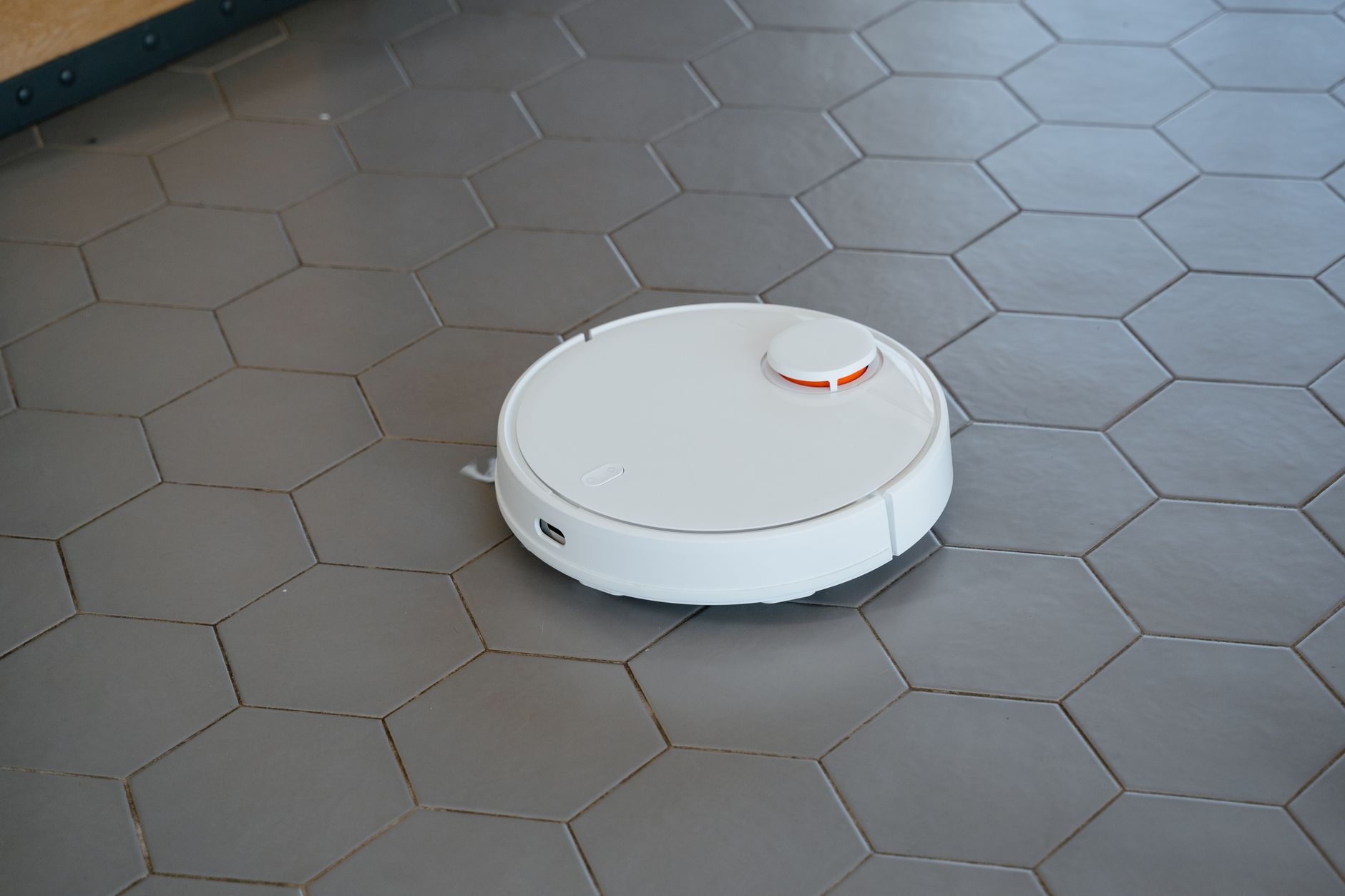
Robot vacuum cleaners are effective for maintaining daily floor cleanliness in most homes, but they cannot replace the deep-cleaning capability of a full-sized corded vacuum. While they excel at picking up surface dust, hair, and light debris, they lack the raw suction power required for high-pile carpets or heavily embedded dirt.
⚡ In a Rush? Key Takeaways
- Entry-level models cost $200–$400, while premium self-emptying units reach $800–$1,200.
- Robot vacuums typically consume under 0.05 kWh per hour of operation.
- Self-emptying bases reduce manual maintenance by 75-85% over standard models.
- For most households, the best choice is a mid-range model with LiDAR navigation.
Do Robot Vacuum Cleaners Actually Save You Time?
Robot vacuums save roughly two to three hours of manual cleaning per week, provided your floor plan is uncluttered and prepped.
The time-saving benefit depends entirely on how much you have to prepare the room before the robot starts. If you have to clear toys, cables, and loose fabric from the floor every time, the convenience diminishes rapidly.
How much manual maintenance do they require?
Standard robots require bin emptying every 1-2 days, while self-emptying models only need base station bag changes every 6-8 weeks.
Maintenance is the hidden cost of ownership that most buyers overlook. Hair wraps around the brush roll, sensors get dusty, and filters require cleaning or replacement every three to six months to maintain suction.
- Brushes: Clean and untangle every two weeks.
- Filters: Rinse or replace every 60-90 days.
- Sensors: Wipe down with a dry cloth monthly.
- Base Station: Replace dust bags every 45-60 days.
What floor types do they handle best?
Hardwood, tile, and low-pile carpet are handled with ease, but deep-pile rugs often cause robots to stall or lose suction entirely.
My testing showed that robots perform best on hard surfaces where they can navigate efficiently. On rugs, the brush roll often struggles to penetrate the fibers, leaving behind finer particles that a standard upright vacuum would catch.
What Are the Real Running Costs of Robot Vacuums?
Beyond the initial purchase price, expect annual costs of $50–$100 for replacement brushes, filters, and proprietary dust bags.
Electricity costs are negligible for these machines. Charging a robot vacuum typically costs less than $5 per year at standard US electricity rates, making them far more efficient than their full-sized corded counterparts.
How long do these appliances usually last?
The average lifespan of a well-maintained robot vacuum is three to five years before battery degradation or motor failure occurs.
Lithium-ion batteries are the most common point of failure. After several hundred charge cycles, you will notice the robot returning to the dock more frequently or cleaning for shorter durations before requiring a recharge.
- Battery Replacement: $50–$100.
- Motor Repair: Often exceeds the cost of a new unit.
- Navigation Sensors: Generally durable for the life of the machine.
- Software Support: Manufacturers often drop support for older models after 4-5 years.
Are expensive navigation systems worth the price?
LiDAR-based navigation is significantly more efficient than ‘bump-and-go’ sensors, reducing cleaning time by up to 40 percent per cycle.
Cheaper models that rely on random movement patterns often miss sections of the room or get stuck under furniture. Investing in a robot with laser-guided mapping ensures it cleans in logical lines and actually finishes the job it started.
Frequently Asked Questions About Robot Vacuums
These common inquiries help clarify the practical limitations and maintenance requirements of integrating a robot into your routine.
Can a robot vacuum replace my corded vacuum?
A robot vacuum should be treated as a supplemental daily maintenance tool, not as a replacement for deep cleaning with a corded unit.
Will they work in a multi-story home?
Yes, but you must manually move the robot between floors unless you purchase a second unit specifically dedicated to the upper level.
Are robot vacuums safe for pets?
Most modern robots include sensors to avoid pet bowls, but ensure you clean up any pet waste, as robots can cause significant messes.
Do I need a Wi-Fi connection to use one?
While many operate via physical buttons, Wi-Fi is essential for mapping, scheduling, and no-go zones via your smartphone application.
Is the privacy of my home data at risk?
Reputable manufacturers encrypt mapping data, but you should always review privacy settings within the app to disable cloud uploading.
If you are still deciding how to best manage your home, you may want to look into efficient kitchen workflow systems or basic home organisation strategies that make robot navigation easier. Maintaining a clutter-free environment is the single best way to ensure your automated cleaner functions as intended.
Can robot vacuums mop floors as well?
Many mid‑ to high‑end robot vacuums now include a mopping module that can simultaneously vacuum and lightly damp‑mop hard floors.
These hybrids use a small water tank and a microfiber pad; the robot vacuums first, then makes a second pass with the pad to pick up fine dust and light stains. While they won’t replace a dedicated mop for sticky spills, they are effective for routine maintenance on tile, sealed hardwood, and vinyl.
Performance depends on pad quality, water flow control, and whether the model uses a vibrating mop pad (which agitates stains) or a simple drag‑pad. Look for models with adjustable water levels and washable, reusable pads to keep ongoing costs low.
| Feature | Vacuum‑Only | Vacuum‑Mop Combo |
|---|---|---|
| Primary function | Dry suction | Dry suction + light wet mop |
| Best floor types | Hardwood, tile, low‑pile carpet | Hardwood, tile, vinyl, sealed stone |
| Maintenance | Empty bin, clean brush/filter | Plus rinse/replace mop pad, refill water tank |
| Typical price premium | — | +$100–$200 over vacuum‑only base |