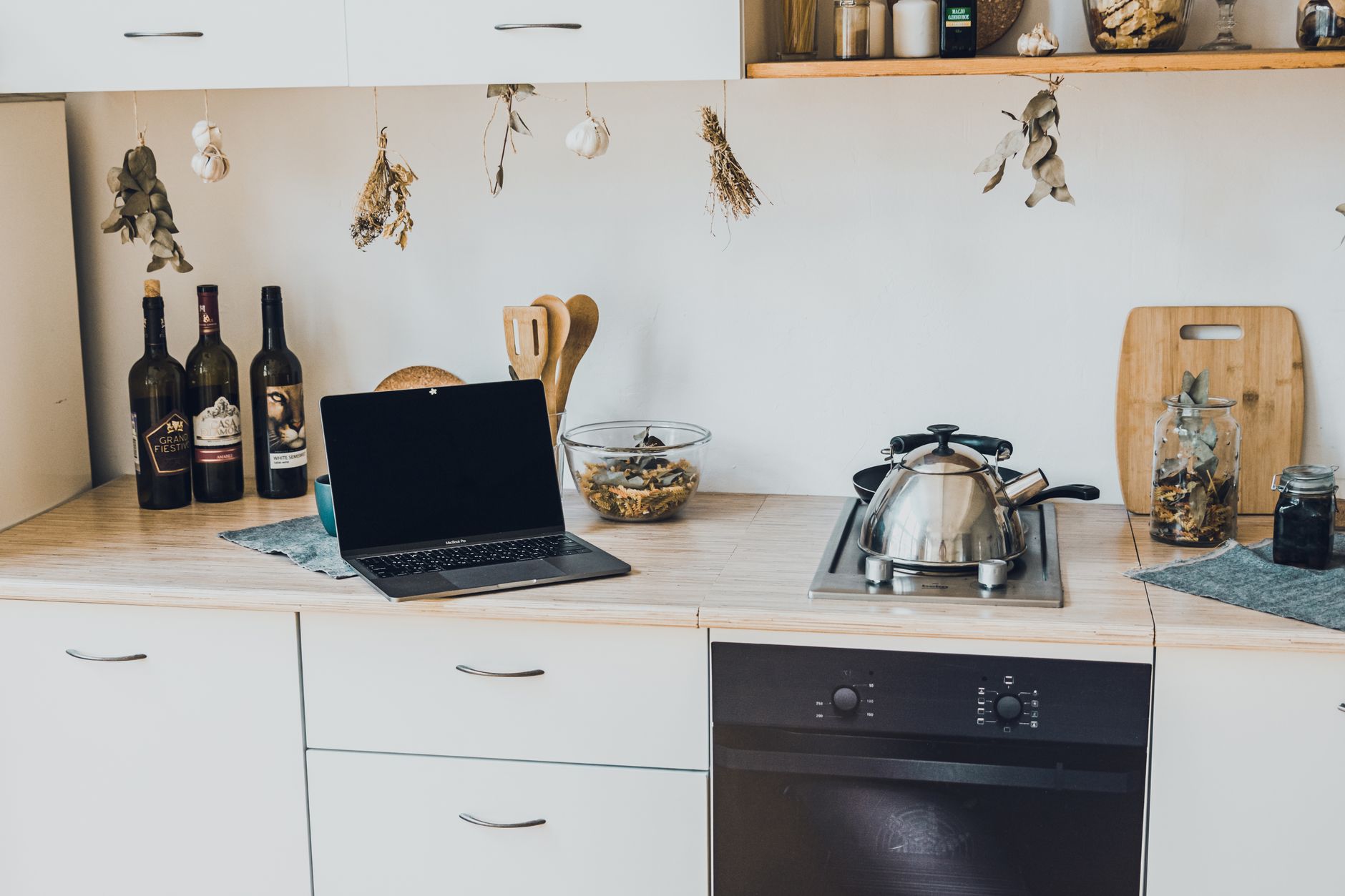
Integrating smart technology into your kitchen can streamline daily tasks, enhance efficiency, and even add a touch of modern convenience. As we move further into 2026, the options for smart kitchen features have expanded significantly, offering solutions from connected refrigeration to voice-activated cooking assistants. While the allure of a futuristic kitchen is strong, a thoughtful approach to planning, setup, and budget is essential for a successful and cost-effective upgrade.
⚡ In a Rush? Key Takeaways
- Start with a budget: Smart kitchen upgrades range from $500 to $30,000+, so define spending early.
- Define needs: Identify 2-3 kitchen tasks where technology offers real benefit for your household.
- Connectivity is key: Ensure strong Wi-Fi; most smart devices rely on a stable network foundation.
- Prioritize integration: Choose devices that work with your existing smart home ecosystem (e.g., Google Home, Alexa).
- ✅ Start small: Begin with one or two smart appliances or devices to test the waters before a full overhaul.
What Constitutes a ‘Smart’ Kitchen in 2026?
A smart kitchen integrates connected devices that communicate with each other and users, enhancing functionality, convenience, and efficiency.
The term ‘smart kitchen’ can encompass a wide array of technologies, from individual appliances with enhanced connectivity to a fully integrated ecosystem. In 2026, a truly smart kitchen isn’t just about having a refrigerator that can order groceries; it’s about creating a cohesive environment where devices work together to simplify complex tasks. This can mean a smart oven that preheats to a recipe’s specifications based on your voice command, or a smart faucet that dispenses precise water measurements for cooking. The core idea is to leverage technology to make your time in the kitchen more productive and enjoyable.
What are the core components of a smart kitchen?
Core components include smart appliances, voice assistants, connected lighting, and smart faucet systems.
At the heart of a smart kitchen are connected appliances such as refrigerators, ovens, dishwashers, and coffee makers. These devices often feature Wi-Fi connectivity, allowing them to be controlled remotely via smartphone apps or voice commands. Beyond major appliances, smart ecosystems extend to sous vide machines, advanced ventilation hoods, and even sophisticated faucet systems that can dispense exact amounts of hot or cold water. Voice assistants like Amazon Alexa or Google Assistant act as central hubs, enabling hands-free operation and interoperability between different devices. Integrated smart lighting, which can adjust color temperature and brightness based on time of day or specific cooking tasks, further enhances the environment.
How are smart kitchen features used day-to-day?
Day-to-day use involves remote control, automated tasks like preheating, and voice-activated ingredient measurement.
In daily life, smart kitchen features offer tangible benefits. Imagine preheating your oven on your commute home, so it’s ready the moment you arrive. Or, ask your voice assistant to start a specific recipe program on your smart hob. Some smart refrigerators can alert you when certain ingredients are running low or even suggest recipes based on what you have on hand. Smart faucets can be programmed to dispense specific volumes of water, perfect for accurately measuring ingredients for baking or brewing coffee. These conveniences reduce mental load and free up time, making the daily rhythm of kitchen tasks more fluid and less demanding.
What is the role of Wi-Fi and network stability?
A robust, stable Wi-Fi network is fundamental for smart kitchen device operation and smooth integration.
The backbone of any smart kitchen is a reliable Wi-Fi network. Most smart appliances and devices connect wirelessly to your home’s network to receive commands, send status updates, and communicate with each other. If your Wi-Fi is weak or inconsistent, you’ll likely experience dropped connections, delayed responses, or a complete failure of your smart features. Investing in a strong mesh Wi-Fi system, especially for larger homes or those with thick walls, is often a prerequisite for enjoying the full potential of a smart kitchen. Consider the number of devices you plan to connect and ensure your router can handle the load without performance degradation.
Planning Your Smart Kitchen Upgrade: Needs and Budget
Successful smart kitchen upgrades stem from clearly defining household needs and establishing a realistic budget beforehand.
Embarking on a smart kitchen renovation requires a dual focus on what you truly need and what you can realistically afford. It’s easy to be overwhelmed by the sheer volume of available technology, but a strategic approach ensures your investment provides genuine value. Consider the primary activities in your kitchen: Do you frequently bake? Are you often short on time for meal prep? Do you manage a busy family schedule? Identifying specific pain points that technology can address is far more effective than adopting every new gadget. Once needs are identified, a budget must be set, as smart kitchen components can range from a few hundred dollars for a single smart appliance to tens of thousands for a full connected remodel.
How to prioritize smart kitchen features for your household
Prioritize features that solve specific household pain points, offer significant time savings, or enhance safety and efficiency.
Prioritization is key. If meal prep is a constant rush, a smart oven that can preheat remotely or a smart sous vide device might be highly beneficial. For households concerned with energy efficiency, smart thermostats for ovens or connected refrigerators with energy monitoring capabilities could be top choices. If convenience is paramount, voice-activated controls for everything from faucets to lighting can be a worthwhile investment. Reflect on your family’s habits: who uses the kitchen most, and what aspects of their routine could be simplified with technology? Start with the features that offer the most impact for your specific lifestyle, rather than trying to implement everything at once.
What is a realistic budget for smart kitchen features in 2026?
A realistic budget for smart kitchen features ranges from $500 for basic upgrades to over $30,000 for a fully integrated, high-end remodel.
Setting a budget is crucial. A very basic entry into smart kitchen technology might involve a single smart appliance, such as a smart plug for an existing coffee maker or a Wi-Fi enabled oven, costing between $100 and $800. A more complete upgrade, including several connected appliances like a smart refrigerator, oven, and dishwasher, could easily start at $5,000 and climb to $20,000 or more, especially if it involves new cabinetry and installation. For a complete, high-end smart kitchen remodel with integrated systems, expect costs to exceed $30,000. This doesn’t include the potential cost of necessary network upgrades like mesh Wi-Fi systems.
Cost Breakdown: Entry-Level vs. Mid-Range vs. High-End Smart Kitchens
Costs vary widely, from single smart devices to full kitchen overhauls with integrated ecosystems.
When planning your budget, consider these tiered approaches:
- Entry-Level (Approx. $500 – $2,500): Focus on adding one or two key smart appliances or smart controls. This could be a smart oven, a connected refrigerator, or smart plugs and lighting. The goal here is to introduce smart functionality without a complete kitchen overhaul.
- Mid-Range (Approx. $2,500 – $10,000): This tier typically involves upgrading several major appliances to smart counterparts and integrating a smart assistant. You might include a smart fridge, oven, and dishwasher, along with smart lighting. Some minor cabinet or countertop updates might also be included.
- High-End (Approx. $10,000 – $30,000+): This level represents a significant kitchen remodel, incorporating a full suite of smart appliances, advanced connectivity, smart faucet systems, and potentially integrated entertainment or security features. Significant structural or aesthetic changes are common here.
What are the hidden costs of smart kitchen technology?
Hidden costs include potential Wi-Fi upgrades, app subscriptions, increased electricity consumption, and professional installation fees.
Beyond the sticker price of smart appliances, several less obvious costs can arise. A robust Wi-Fi network is paramount, and if your current system is not up to par, you may need to invest in a mesh network, which can cost $200–$500. Some advanced features or ongoing services might require optional app subscriptions. While smart appliances are generally designed for efficiency, increased connectivity can sometimes lead to marginal increases in electricity consumption. Furthermore, professional installation is often recommended, especially for integrated systems or smart faucet plumbing, adding to the overall expense. Don’t forget the potential for software updates and eventual obsolescence, which may necessitate future replacements or upgrades.
Practical Setup: Connecting Your Smart Kitchen
smooth smart kitchen setup relies on a stable Wi-Fi network, understandable app interfaces, and clear device pairing processes.
Once you have your chosen smart devices, the setup process itself is generally designed to be user-friendly, but it does require a methodical approach. The foundation for any successful setup is your home’s Wi-Fi network. Ensuring a strong, reliable signal in the kitchen is the first and most critical step. Once connectivity is assured, you’ll typically download a manufacturer-specific app or a universal smart home app to manage your devices. Pairing new devices usually involves connecting them to your Wi-Fi network through the app, often by scanning a QR code or entering a unique code. Understanding the basic architecture of how these devices communicate—primarily through cloud services managed by the manufacturer or a smart home platform—will help troubleshoot issues.
How do I connect smart appliances to my home Wi-Fi?
Connecting involves downloading the manufacturer’s app, following on-screen prompts to join your Wi-Fi network, and potentially creating an account.
Connecting your smart appliances is usually a straightforward process guided by the device’s companion app. First, ensure your smartphone or tablet is connected to your home’s 2.4 GHz Wi-Fi network (most smart devices use this band). Next, download the manufacturer’s dedicated app from your device’s app store (e.g., the Samsung SmartThings app for Samsung appliances, or the Home Connect app for Bosch and Siemens). Open the app and create an account or log in. Follow the app’s instructions to add a new device. This typically involves putting the appliance into a pairing mode (often by holding a button on the appliance) and then selecting your home Wi-Fi network and entering the password within the app. The app will then communicate with the appliance to establish the connection.
What are the benefits of using a central smart home app?
Central apps simplify control, allow device interoperability, and offer automation routines across different brands.
While many smart kitchen appliances come with their own dedicated apps, using a central smart home app, such as Google Home, Amazon Alexa, or Apple HomeKit, can significantly enhance your experience. These platforms act as a universal remote, allowing you to control devices from multiple brands within a single interface. This means you no longer need to juggle a dozen different apps. More importantly, central apps enable interoperability, allowing devices to work together. You can create “routines” or “scenes” – for example, a “Good Morning” routine that simultaneously turns on your smart coffee maker, adjusts your smart oven’s temperature, and lowers your smart lighting. This level of cohesive control is where the true power of a smart ecosystem lies.
Examples of Smart Home App Integration for Kitchen Tasks
Integration allows routines like ‘morning coffee’ or ‘preheat oven for dinner’ to be triggered with a single command.
Consider these practical examples of how smart home apps can simplify your kitchen routine:
- Morning Coffee: A routine can be set to start your smart coffee maker at 6:30 AM, so your coffee is ready when you wake up.
- Preheating for Dinner: A voice command like, “Alexa, start preheating the oven to 375 degrees for dinner,